
Viewers may accept a simple background or a limited number of camera angles, but they rarely continue watching a video podcast or interview when speech is difficult to understand. Professional audio is not only about using an expensive microphone. It depends on the room, microphone choice, placement, recording levels, separate channels, monitoring, backup and post-production. A problem at any stage can reduce clarity or make an otherwise strong conversation unusable. This guide explains why audio matters in business video podcasts and interviews, how professional production manages it and what organisations in Dubai and across the UAE should prepare before recording.
The Short Answer
Good audio makes speech clear, consistent and comfortable to follow. It reduces distractions such as echo, air-conditioning, clothing noise, interference and large differences between speakers. Professional production records each participant carefully, monitors the sound during filming, creates an appropriate backup and finishes the audio in post-production.
What You Will Learn
- Why sound quality affects audience retention and credibility
- How room acoustics change a recording
- Which microphone types suit different interview formats
- Why every participant should have an individual channel
- What monitoring and backup protect
- Which problems can and cannot be fixed in editing
- How to prepare an office, studio or remote guest
- Why Audio Often Matters More Than Camera Resolution
A viewer can still understand a useful conversation when the image is slightly less cinematic. They cannot follow it when words are masked by echo, distortion or background noise. Audio carries the information. It also influences how professional the speaker appears. A confident executive recorded through a distant, reverberant microphone may sound less authoritative even when the content is excellent. Consistent sound also reduces listening effort. When one person is quiet and another is suddenly loud, the audience must keep adjusting volume and attention. For business content, clarity should be treated as part of the message rather than a technical detail added after camera planning.
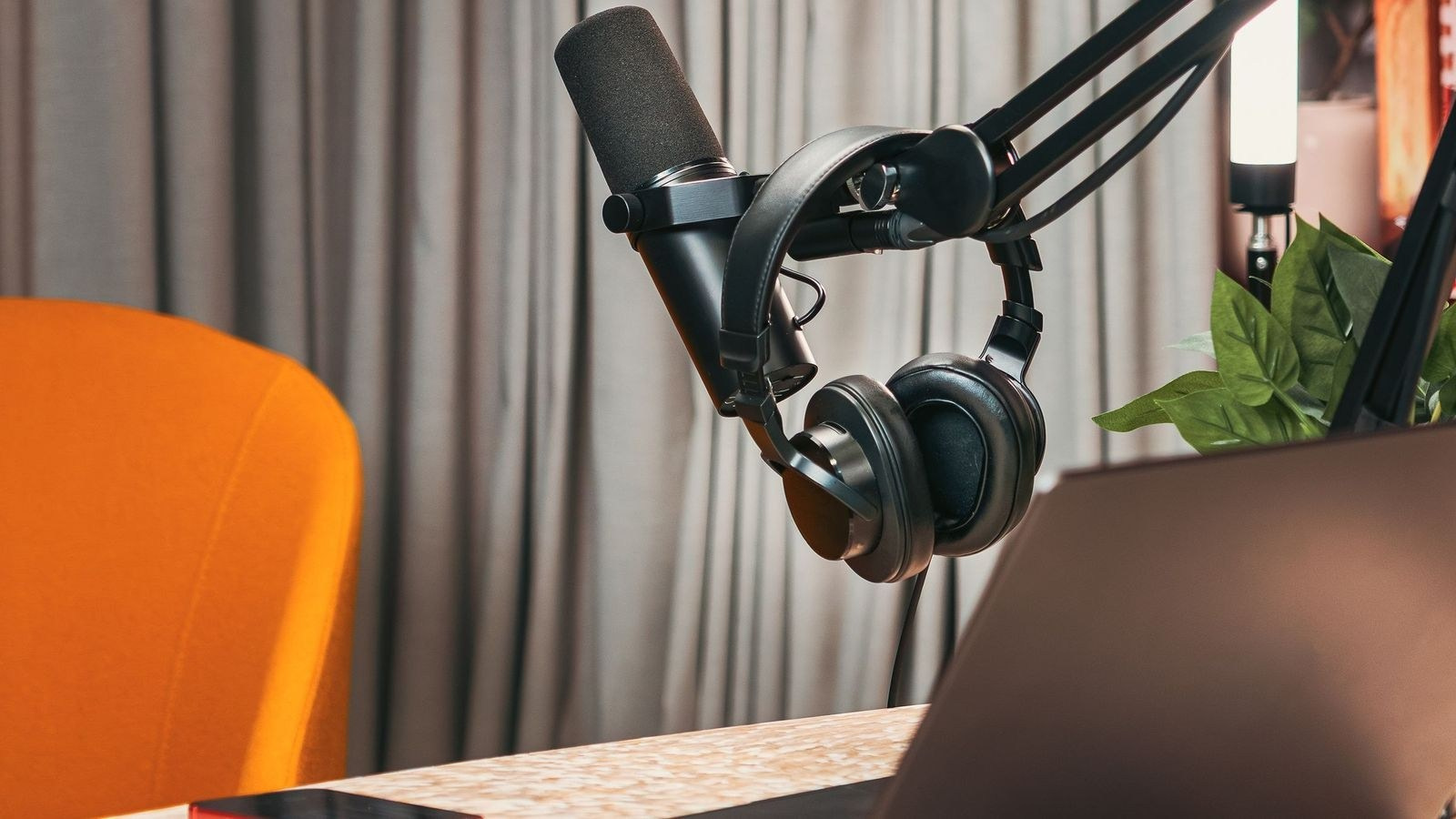
Start With the Room
Microphones record the environment as well as the speaker. Hard rooms with glass, stone, empty walls and large tables reflect sound. The reflections reach the microphone shortly after the direct voice and create echo or a hollow quality. Offices may also contain:
- Air-conditioning
- Refrigerators and equipment fans
- Traffic or construction
- Elevators and doors
- Footsteps in corridors
- Meeting-room notifications
- Electrical hum
A room that feels quiet to people may not sound quiet through a sensitive microphone. Human attention naturally ignores steady background sounds, while a recording preserves them.
Acoustic Treatment vs Soundproofing
These terms describe different problems. Acoustic treatment controls reflections inside the room. Soft furnishings, curtains, rugs, panels and carefully positioned absorption can reduce echo. Soundproofing prevents sound from entering or leaving the room. It is a construction issue involving walls, doors, windows and ventilation. Temporary production treatment can improve an office interview, but it cannot fully soundproof a meeting room beside active construction. The best solution may be changing the time or location rather than relying on editing.
Choose the Microphone for the Format
Broadcast Microphones
Large microphones on desk arms or stands create a recognisable podcast look. They can produce a focused, consistent voice when participants remain close to them. They require clear guidance because sound level changes quickly when a guest turns away or leans back.
Lapel Microphones
Lapel microphones attach to clothing and keep the set visually clean. They are useful for executive interviews and conversations where visible desk microphones do not suit the style. Placement needs care. Jackets, necklaces, hair and some fabrics can rub against the microphone.
Boom or Directional Microphones
A directional microphone can be positioned just outside the frame. It avoids attaching equipment to clothing and can sound natural when placed close enough. It requires space and secure positioning. A microphone mounted too far away will capture more room sound.
Handheld Microphones
Handheld microphones suit event interviews, audience interaction and some informal formats. The participant must hold the microphone at a consistent distance.
Microphone Placement Is Critical
A professional microphone placed poorly can sound worse than a simpler microphone used correctly. Distance affects the balance between direct voice and room reflections. A close microphone normally captures a clearer voice, but may also reveal breath noise, mouth sounds or excessive low frequencies. Placement must account for:
- Participant movement
- Camera framing
- Clothing
- Desk and arm noise
- Reflections from nearby surfaces
- Plosive sounds from speech
The sound check should include normal conversation, not only a quiet test sentence. People often speak more loudly, interrupt or turn their heads once the discussion becomes active.
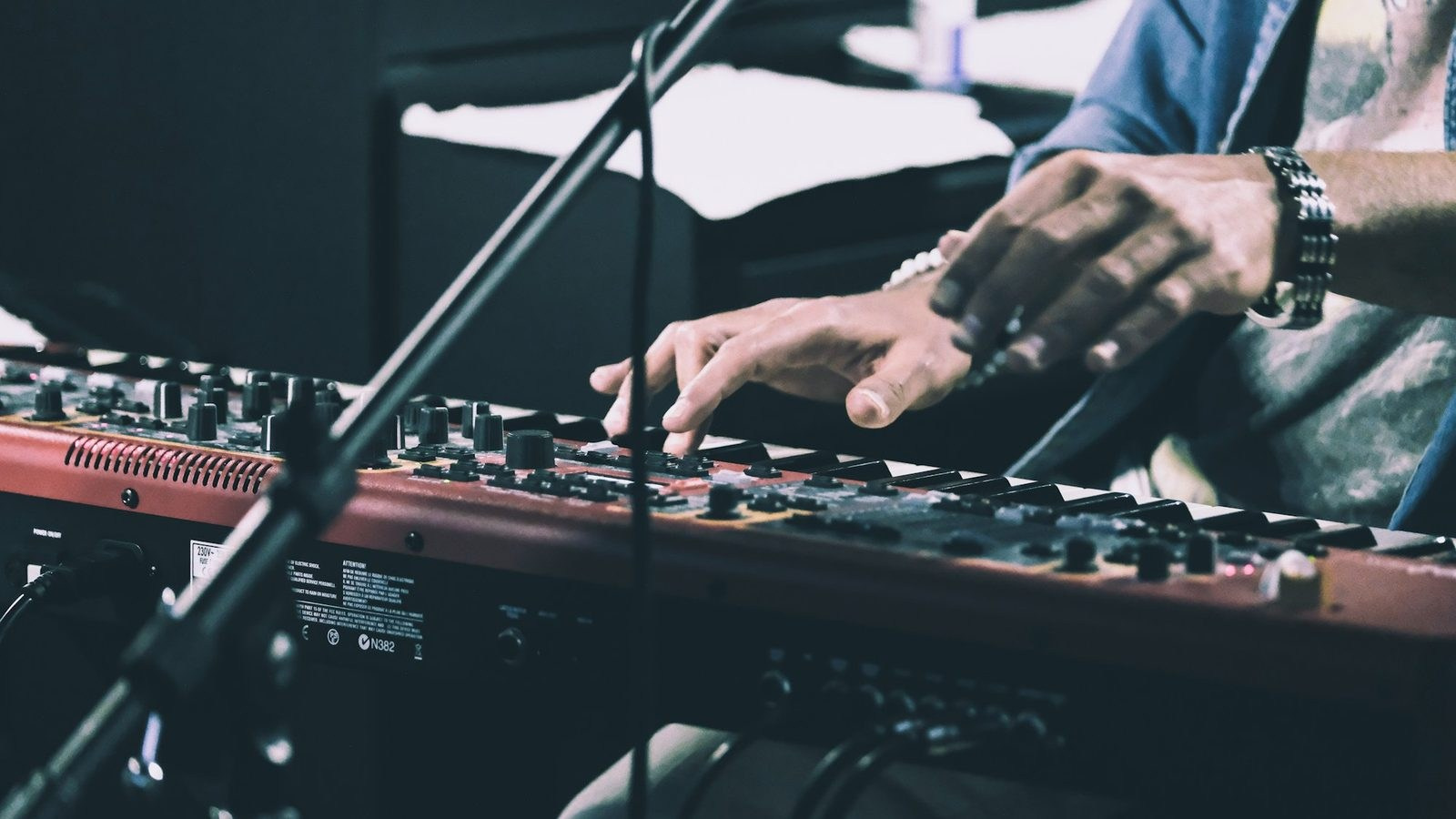
Every Participant Needs an Individual Channel
Recording each participant separately gives the editor control. Individual tracks allow the team to:
- Balance quiet and loud speakers
- Reduce a participant’s microphone while another person speaks
- Manage interruptions
- Apply appropriate processing to each voice
- Remove isolated handling or clothing noise
- Create cleaner edits
A single mixed track limits these options. If one microphone contains distortion or loud noise, the problem may be permanently combined with the other voices.
Recording Levels and Headroom
Speech changes in volume. A calm answer can become a loud laugh or an emphatic statement without warning. Recording levels need enough headroom for these peaks. Audio recorded too quietly may reveal noise when amplified, while audio recorded too loudly can distort. Digital clipping is especially difficult to repair. Once the waveform exceeds the recording limit, missing detail cannot be restored completely. The sound technician listens and watches levels throughout the session rather than relying only on an initial test.
Monitoring During the Recording
Headphone monitoring allows the crew to hear problems that are not obvious in the room. These may include:
- Radio interference
- Loose cable noise
- Clothing rubbing against a lapel microphone
- Intermittent wireless signal
- Air-conditioning changes
- Desk vibration
- A participant moving away from the microphone
Visible level meters alone are not enough. They can show that sound exists, but not whether it is clean.
Backup Audio
Important business interviews should not depend on one recording path when a practical backup is available. Backup options may include:
- Secondary recorder
- Internal microphone recording
- Camera reference audio
- Safety track recorded at a lower level
- Separate venue or mixer feed
A backup is not a substitute for monitoring the main recording. It protects against specific failures and should be tested as part of the workflow.
Wireless vs Wired Audio
Wireless microphones allow movement and reduce visible cables, but they depend on batteries, radio coordination and local conditions. Wired microphones can provide a stable connection for seated podcast formats, although cables must be managed safely and discreetly. The correct system depends on movement, set design, number of participants and recording environment. A professional team should select technology based on risk and format rather than convenience alone.
Common Sources of Noise
Air-Conditioning
In Dubai and across the UAE, switching off air-conditioning for a long recording may be uncomfortable or impractical. The room and microphone placement should be assessed, and short controlled breaks can help when the system must be paused.
Clothing and Jewellery
Lapel microphones can capture jackets, scarves, necklaces and synthetic fabric. Participants should receive wardrobe guidance and bring an alternative top or jacket when possible.
Tables and Props
Hands, cups, phones and microphone arms can transmit impact noise through the table. Equipment should be isolated and participants briefed.
Electrical and Radio Interference
Power, adapters, nearby devices and wireless systems can introduce hum or interference. The complete setup should be tested before recording begins.
Recording Several People
Roundtables become more complex as participants are added. Each person needs clear coverage, but every open microphone also captures some sound from the other speakers and the room. The team must manage microphone type, spacing, placement and channel mixing carefully. Participants should avoid speaking over one another where possible. Natural overlap is acceptable, but long simultaneous answers are difficult for both listeners and editors.
Remote Guests
A remote guest’s audio quality depends on their own environment and equipment. Before recording, confirm:
- Quiet room
- External microphone when possible
- Headphones to prevent echo
- Stable internet
- Notifications disabled
- Local backup recording if supported
- Technical test before the session
A laptop microphone in a reverberant room will not automatically match professionally recorded studio participants. The production should decide whether that contrast is acceptable or whether a remote recording kit is required.
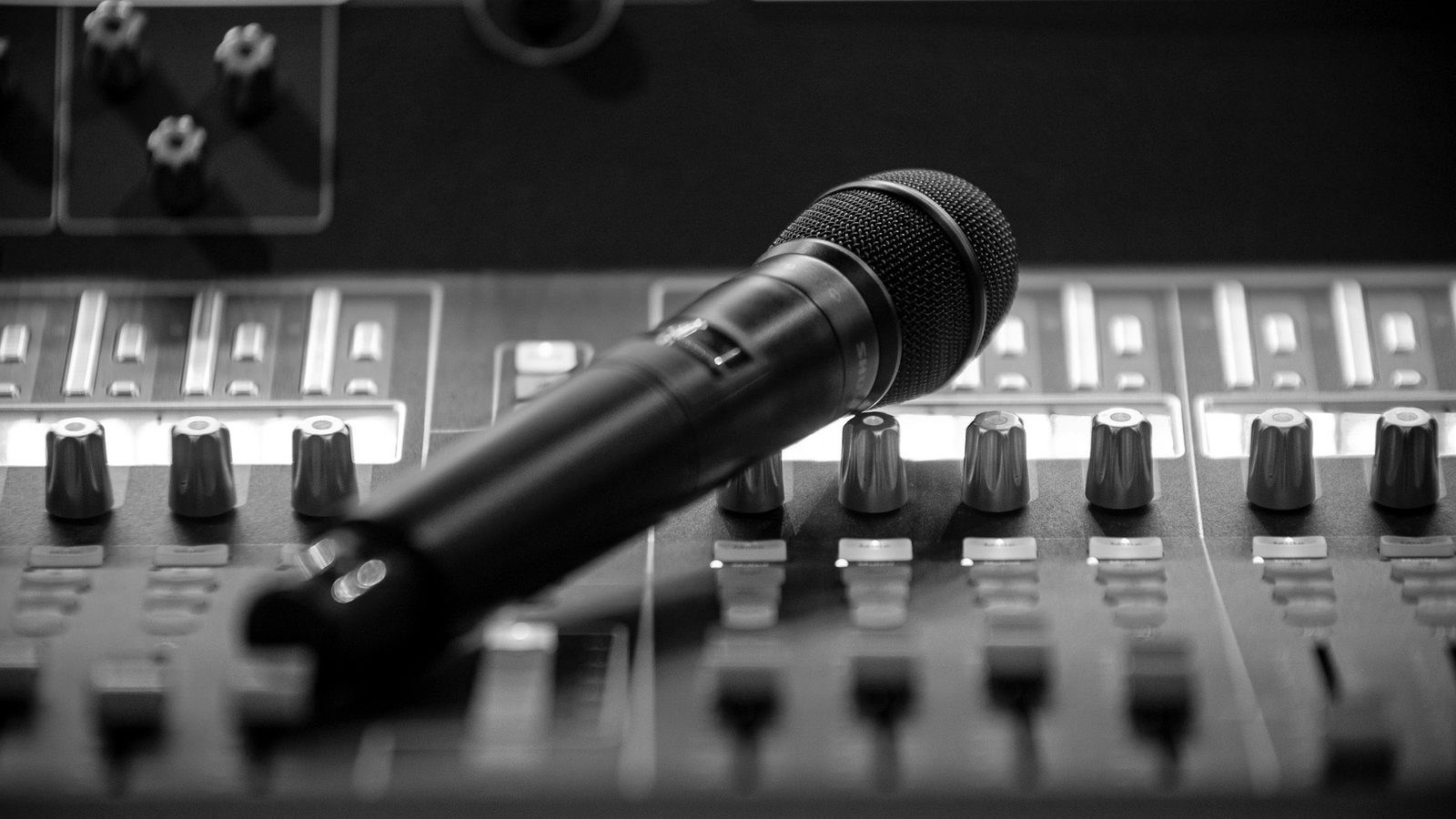
Audio for On-Location Executive Interviews
Office interviews often have limited time and restricted control over the building. The team should identify quiet recording windows, notify nearby staff, pause unnecessary equipment and prevent meeting-room interruptions. A location assessment can reveal echo, traffic, construction and ventilation issues before the executive arrives. When time is limited, technical setup should be completed before the participant enters. The interviewee should only need microphone placement, a short level check and content briefing.
What Happens in Post-Production?
Audio post-production may include:
- Synchronising sound with cameras
- Selecting and balancing microphone tracks
- Removing unnecessary noises where possible
- Reducing steady background noise
- Controlling low-frequency rumble
- Shaping voice tone
- Managing dynamic range
- Setting consistent final loudness
- Mixing music and supporting sound
The goal is not to make every voice sound identical. It is to preserve natural character while keeping the conversation clear and consistent.
What Cannot Be Fixed Completely?
Editing is powerful, but it cannot recover information that was never recorded clearly. Severe problems include:
- Heavy digital distortion
- Two people speaking over each other on one mixed track
- Loud construction masking speech
- A microphone repeatedly rubbing against clothing
- A distant voice in a strongly reverberant room
- Missing sections caused by recording failure
Aggressive noise removal can also make voices sound metallic or unnatural. Preventing the problem during production normally produces a better result than trying to repair it later.
Audio for Short Social Clips
Short clips often reach viewers through phones, headphones and small speakers. Speech should remain understandable at modest volume. Music, sound effects and graphics should support the message without covering it. Subtitles are valuable because some users watch without sound, but captions do not excuse poor audio. Viewers who enable sound still expect a clean, professional voice.
Prepare the Participants
Send simple guidance before the session:
- Avoid noisy jewellery and fabrics
- Bring an alternative clothing option
- Keep phones silent and away from microphones
- Speak naturally rather than toward the camera
- Avoid tapping the table or microphone arm
- Allow time for microphone placement and testing
- Tell the team about hearing, mobility or comfort requirements
Good preparation should make participants more comfortable, not turn the recording into a technical exercise.
Questions to Ask a Production Company
- How will each participant be recorded?
- Will every microphone have a separate track?
- How will the room be assessed?
- Who monitors audio during the session?
- Is backup audio recorded?
- How will clothing and microphone placement be handled?
- What audio cleanup and mixing are included?
- Can remote guests be tested in advance?
- How will music and final loudness be managed?
- What happens if an external noise interrupts the interview?
Common Mistakes
Choosing the Room Only by Appearance
A visually impressive glass meeting room may produce strong echo and background noise.
Using One Microphone for Several People
Voices become inconsistent and difficult to control separately.
Skipping Headphone Monitoring
Interference and clothing noise may go unnoticed until editing.
Assuming Everything Can Be Fixed Later
Severe distortion, overlap and masking noise cannot always be repaired naturally.
Testing With a Quiet Voice
The recording level may fail when the real conversation becomes louder.
Ignoring Remote Guest Audio
One weak remote microphone can reduce the quality of the complete episode.
Frequently Asked Questions
Which microphone is best for a video podcast?
There is no single best type. The choice depends on the set, room, participant movement and desired visual style.
Can an office interview sound professional?
Yes, when the room is selected carefully and noise, reflections and microphone placement are managed.
Do we need a dedicated sound technician?
A compact team may cover a simple controlled interview. Larger roundtables, events and complex locations may benefit from a specialist focused on audio.
Can air-conditioning be removed in editing?
Steady noise can often be reduced, but heavy processing may affect the voice. Prevention and room planning are preferable.
Should podcast guests wear headphones?
In-person guests may not need them. Remote guests usually should use headphones to prevent speaker sound returning into their microphone.
Is camera audio enough?
Camera microphones are useful for reference or backup, but a professional interview normally requires microphones positioned specifically for each speaker.
Conclusion
Professional audio makes a video podcast or interview easier to understand, more credible and more useful across long-form and short-form platforms. The result depends on the complete workflow: room selection, microphone choice, placement, individual channels, recording levels, monitoring, backup and post-production. Strong sound begins before the interview. When the environment and participants are prepared properly, the conversation can remain natural while the production team protects its technical quality.
Planning a Video Podcast or Interview in the UAE?
GSP Media provides video podcast and interview production for businesses, executives and organisations in Dubai and across the UAE. Our team can manage studio or on-location recording, professional audio, multi-camera production, lighting, editing and short-form content as one coordinated workflow.

How Many Short Videos Can You Create From One Video Podcast?

Ecommerce Fashion Photography vs Campaign Photography
Product Photography vs Product Videography: What Does Your Brand Need?
How to Prepare Clothing for an Ecommerce Fashion Photoshoot

White Background vs Lifestyle Product Photography
Ecommerce Fashion Photography: Model, Mannequin or Flat Lay?
How to Prepare Products for a Commercial Photoshoot

Corporate Podcast vs Video Interview: Which Format Is Right for Your Business?

How to Prepare a Corporate Event Photography and Video Brief

How to Prepare a Venue for Professional Live Streaming
How Multi-Camera Live Streaming Works
How Multi-Camera Video Podcast Production Works
How Many Cameras Does a Corporate Event Need?
How to Prepare a CEO or Executive for a Video Interview
