
The right number of cameras for a corporate event depends less on guest count than on what is happening, where it is happening and what the final content must achieve.
A 500-person presentation in one ballroom may be covered effectively with two or three cameras. A smaller conference with parallel sessions, executive interviews and live streaming may require several separate camera teams. The production plan should follow the programme rather than an arbitrary package.
Too few cameras can leave important moments uncovered or produce a repetitive recording. Too many can increase crew, equipment and editing without creating useful additional content.
This guide explains how a professional production team determines camera count for conferences, panels, presentations, awards and hybrid events in Dubai and across the UAE.
What You Will Learn
- When one camera may be sufficient
- What two- and three-camera setups add
- Why panels and large stages need different coverage
- How simultaneous rooms affect crew size
- Why live streaming changes the decision
- How presentation capture and audio fit into the plan
- Which questions organisers should answer before booking
The Short Answer
One camera can document a controlled presentation when the speaker remains in one position and the recording is primarily for reference.
Two cameras provide a wide safety angle and a closer speaker angle. This is a common minimum for polished presentation recordings because the editor or live director can change views and protect the programme if one shot is temporarily blocked.
Three cameras add flexibility for panels, audience reactions, demonstrations or a more dynamic live stream. Larger stages, multiple rooms and productions requiring interviews or separate social content may need additional cameras.
The correct answer comes from a coverage map: list every important activity, identify what happens at the same time and assign a purpose to each camera.
Start With the Required Deliverables
Camera count should be decided after the deliverables are defined.
An event may require:
- A short promotional highlight
- Complete keynote recordings
- Panel discussion recordings
- A multi-camera live stream
- Executive interviews
- Vertical social media clips
- Audience and sponsor coverage
- Archive footage for internal use
A highlight video is selective. The videographer can move around the venue and collect the strongest visual moments. A complete keynote recording needs uninterrupted coverage and reliable audio. A live stream requires the relevant angle to be available at every second.
These may use some of the same cameras, but they are not the same workflow. Asking only for “event video” does not provide enough information to recommend a responsible camera plan.
When One Camera May Be Enough
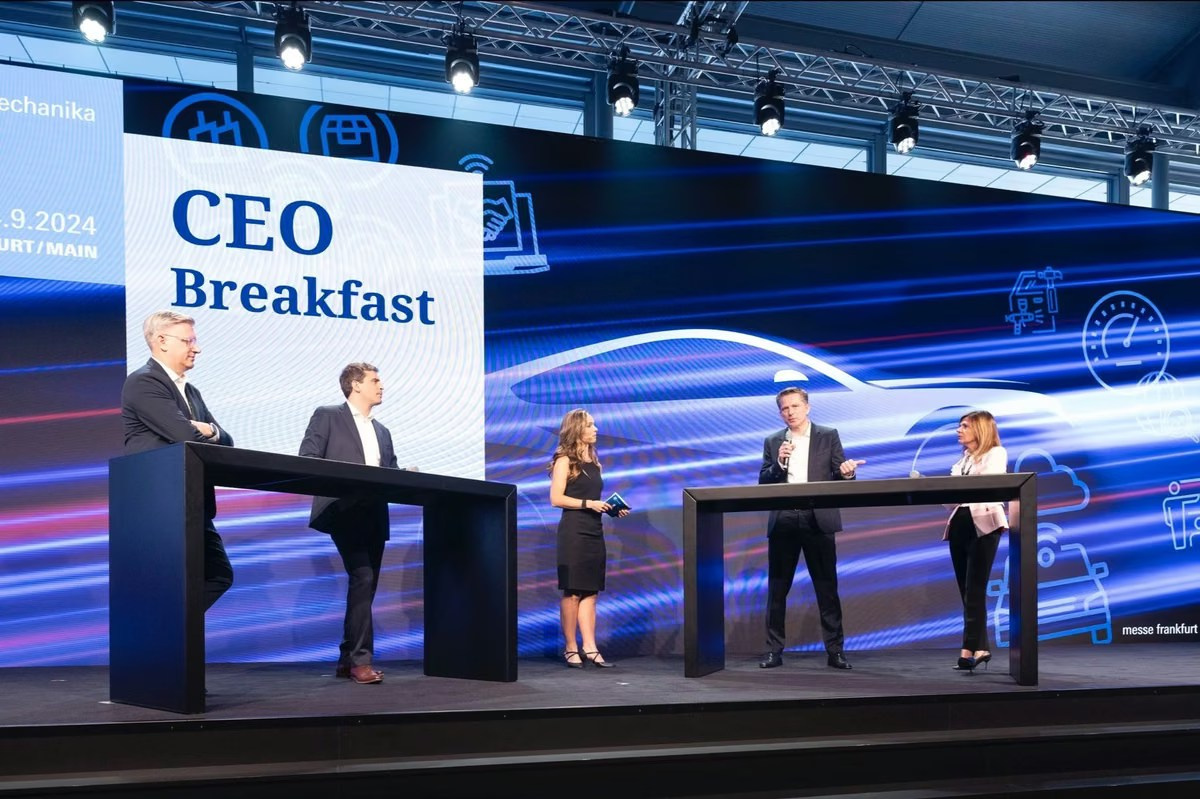
A single camera can work for a short, controlled presentation with one speaker, a simple stage and no expectation of a highly dynamic edit.
It is most reliable when:
- The speaker remains near a lectern or marked position
- The audience does not need to appear frequently
- Presentation slides are captured separately
- The recording is mainly informational
- No simultaneous activity must be covered
The limitation is the lack of a safety angle. If a guest walks in front of the camera, the speaker moves outside the frame or the operator adjusts focus, there is no alternative view. Editing long pauses is also more visible.
One camera should therefore be a deliberate choice, not simply the smallest package available.
What a Two-Camera Setup Provides
A two-camera setup commonly combines a wide shot with a closer angle.
Wide Safety Camera
The wide camera shows the complete stage and remains stable. It protects the recording during speaker movement, handovers and changes to the close camera.
Speaker Camera
The second camera follows the active speaker or creates a tighter composition. During a panel, it may move between participants while the wide angle preserves continuity.
This arrangement gives an editor or live director useful choices without making the production unnecessarily large. It works well for keynotes, interviews on stage, training sessions and smaller conferences.
However, two cameras may still be limited for a long panel. When one camera holds the complete panel and the other follows the speaker, there is no dedicated audience or alternative reaction angle.
When Three Cameras Add Real Value
A third camera is useful when the event needs both reliable documentation and visual variety.
A common conference arrangement is:
- One wide stage camera
- One close camera for speakers
- One side angle, audience camera or second close camera
For a panel, two close cameras can divide the speakers while the wide camera remains available. For a live stream, the third angle gives the director time to reframe one camera while another remains on air.
Audience coverage should be planned carefully. A camera placed only for reactions may add atmosphere, but it should not replace essential stage coverage. The online audience must always be able to see the person speaking.
When Four or More Cameras Are Justified
Additional cameras may be justified by a large stage, several participant positions, demonstrations, complex audience interaction or broadcast-style expectations.
Examples include:
- Panels with many speakers
- A moderator moving through the audience
- Product demonstrations requiring detail shots
- Awards with entrances from different sides
- Large stages where one close camera cannot cover every position
- Hybrid events with remote and on-stage contributors
Every added camera should have a documented role. A camera that repeats an existing angle without solving a production problem may not improve the final result.
Stage Format Changes the Camera Plan
Single Speaker at a Lectern
A wide angle and a close speaker angle may be sufficient. If the speaker frequently leaves the lectern, the close camera needs an operator and enough space to follow movement.
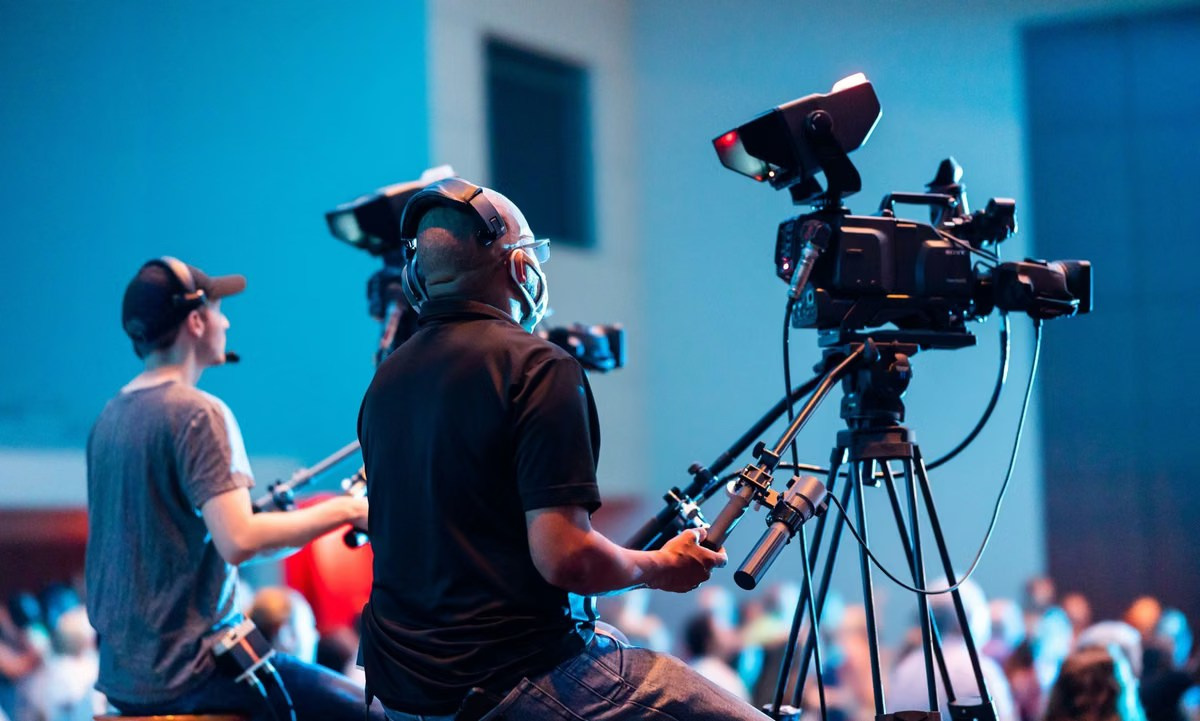
Panel Discussion
A panel benefits from a wide shot and closer coverage of individual speakers. Shared two-person angles can be efficient when camera positions or crew are limited.
Awards Ceremony
Awards involve entrances, handshakes, posed photographs and exits. A wide camera can protect the stage while another follows recipients. A third angle may cover audience reactions or the approach to the stage.
Product Demonstration
A demonstration may need a dedicated detail camera. The audience must see both the presenter and the product clearly, especially when the content is streamed.
Simultaneous Sessions Require Separate Coverage
No camera can cover two rooms at the same time.
If a conference has three parallel breakout sessions and all must be recorded, each room needs its own appropriate camera and audio workflow. A roaming operator cannot move between rooms without leaving gaps.
The same applies when executive interviews take place while the main programme continues. Interviews normally require a separate camera, microphone and lighting position.
Venue distance matters. Two rooms beside each other may still need dedicated operators, but equipment and coordination are easier than when activities are spread across several floors or buildings.
Fixed Cameras vs Camera Operators
Not every camera needs a dedicated operator, but every camera needs monitoring.
A locked wide angle can be useful as a safety recording. It works best when the stage boundaries are predictable and the audience cannot block the shot.
Close cameras usually benefit from operators because speakers move, panels change and framing must respond to the programme. Remote-controlled cameras may be appropriate in some venues, but they still require a person to select and adjust them.
A camera left recording is not automatically protected. Batteries, media, focus, exposure and signal paths still need supervision.
Presentation Capture Is Not Another Camera
Filming the venue screen often makes slides difficult to read. A professional production can receive the presentation directly as a video source.
The director may show full-screen slides, the speaker, or a split layout. This improves clarity without using an additional camera.
Presentation capture should be coordinated with the AV provider before the event. The team needs the correct output, format and any embedded audio.
Audio Can Determine the Practical Setup
A perfect camera plan cannot compensate for missing speech.
Keynotes, panels and audience questions may use different microphones. The video team should test the venue feed and create suitable backup recordings.
When sessions happen in several rooms, each room requires an audio source as well as a camera. Camera count and audio planning should therefore be developed together.
Live Streaming Requires Continuous Choices
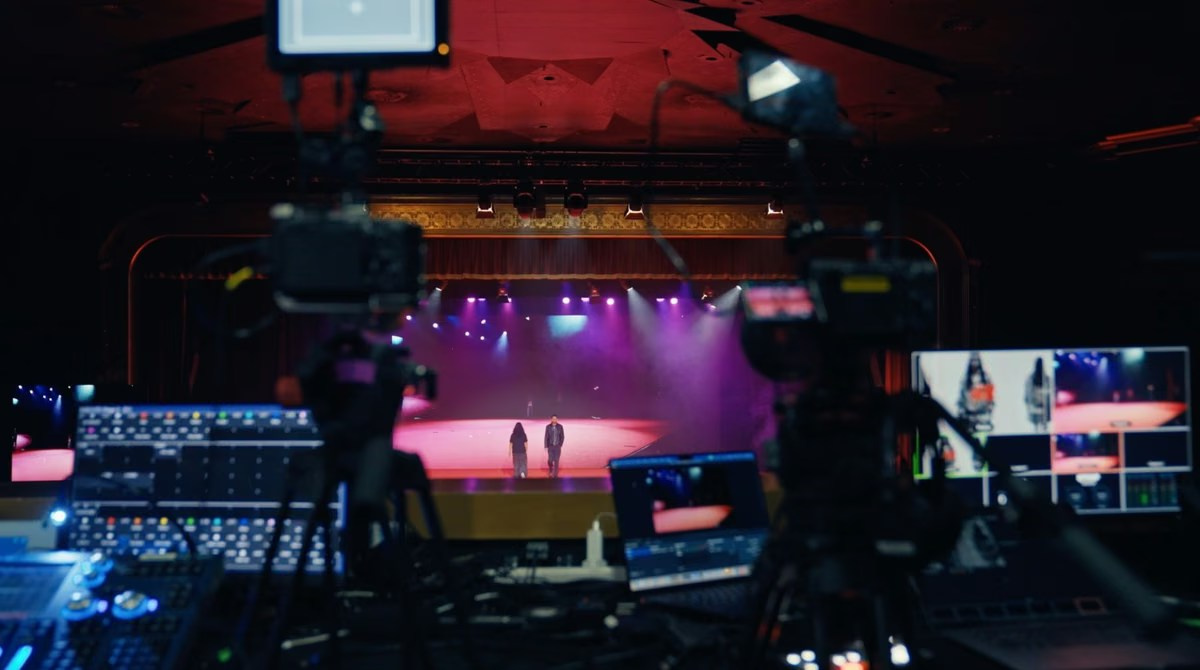
A recorded highlight can omit a weak angle. A live stream cannot. The director needs a usable shot at every moment while another camera reframes or moves.
This is why two or three cameras are common for professional streams even when one camera could technically show the stage. Additional cameras provide visual variety and operational protection.
The production also needs a video switcher, presentation feeds, graphics, reliable audio, encoding, internet connectivity and local recording. Camera quantity is only one part of the broadcast system.
Camera Placement and Venue Restrictions
More cameras require more positions. The plan must protect audience sightlines, emergency routes and venue operations.
Important considerations include:
- Distance from the stage
- Platform or riser requirements
- Long-lens sightlines
- Cable routes
- Power and data access
- Guest movement
- Security and accreditation
- Restricted photography areas
A site visit or detailed venue plan is valuable for large productions. In Dubai hotels, exhibition halls and conference venues, access and rigging rules may need advance approval.
How Camera Count Affects Post-Production
Each camera creates additional data that must be backed up, synchronised, reviewed and colour matched.
More angles can make editing smoother, but they also add decisions. The production should record enough material to cover the event properly without creating unnecessary complexity.
Separate camera recordings are especially useful when the client needs full sessions, revised edits or multiple social versions after the event.
Questions to Answer Before Requesting a Quote
- Which sessions must be recorded completely?
- Is a live stream required?
- How many rooms operate at the same time?
- How many people appear on stage?
- Will speakers move through the audience?
- Are presentation slides required in the final video?
- Will interviews be recorded separately?
- Are vertical social clips required?
- Which moments cannot be repeated?
- What are the venue’s camera and access restrictions?
Common Planning Mistakes
Using Guest Count as the Main Measure
Programme complexity and room layout matter more than attendance alone.
Confusing a Highlight With Full Recording
A mobile highlight camera cannot guarantee uninterrupted coverage of every presentation.
Forgetting Parallel Sessions
Overlapping rooms require separate coverage and audio.
Adding Cameras Without Operators or Monitoring
Unsupervised equipment can fail or remain incorrectly framed.
Deciding After the Event
Footage that was never recorded cannot be created during editing.
Frequently Asked Questions
How many cameras are needed for a corporate conference?
Two or three are common for one main stage, but the correct number depends on panels, movement, deliverables and live streaming.
Can one camera record a keynote?
Yes, when the presentation is controlled. A second angle provides better editing flexibility and protection.
Does every camera need an operator?
No. A locked wide camera may be monitored centrally, while close and moving angles usually need active operation.
Do breakout rooms need separate cameras?
Yes, if simultaneous sessions must be recorded without gaps.
Can the same cameras be used for recording and live streaming?
Usually yes, provided the switching, recording and signal workflow is designed for both purposes.
Conclusion
The right camera count is the smallest reliable setup that covers every required moment, supports the final deliverables and protects the programme from avoidable gaps.
GSP Media plans multi-camera corporate event video and live streaming for conferences, panels, awards and business events in Dubai and across the UAE.
How to Prepare a CEO or Executive for a Video Interview

Why Backup Internet Is Essential for Event Live Streaming

What Affects Corporate Event Photography and Video Costs?
Event Photography vs Videography: What Does Your Event Need?
Video Podcast Production in Dubai: Complete Business Guide
Professional Event Live Streaming: How It Works
Corporate Event Photo & Video Company Dubai: How to Choose
What Should Be Included in a Corporate Event Photography and Video Quote?

Event Highlight Video vs Full Event Recording: What Is the Difference?

Public vs Private Live Streaming for Corporate Events

Live Streaming vs Recording an Event: Which Should You Choose?


