
Internet connectivity is the transmission path between an event venue and every online viewer. If that path becomes unstable, professional cameras, clear audio and polished graphics cannot reach the audience reliably.
This is why business-critical live streaming should not depend on a single untested venue connection. A backup plan reduces the risk of a temporary network problem becoming a complete interruption.
Backup internet does not mean buying the largest available data package. It means understanding the primary connection, creating a genuinely independent alternative, configuring the production to use it and monitoring performance throughout the broadcast.
This guide explains how backup internet, failover and bonded connections support professional event live streaming in Dubai and across the UAE.
What You Will Learn
- Why upload stability matters more than an impressive speed test
- Why venue Wi-Fi can change during an event
- How a dedicated wired connection improves reliability
- The difference between failover and bonding
- How 4G and 5G connections can be used responsibly
- What should be tested before the broadcast
- Why local recording is still essential
The Internet Is Part of the Production System
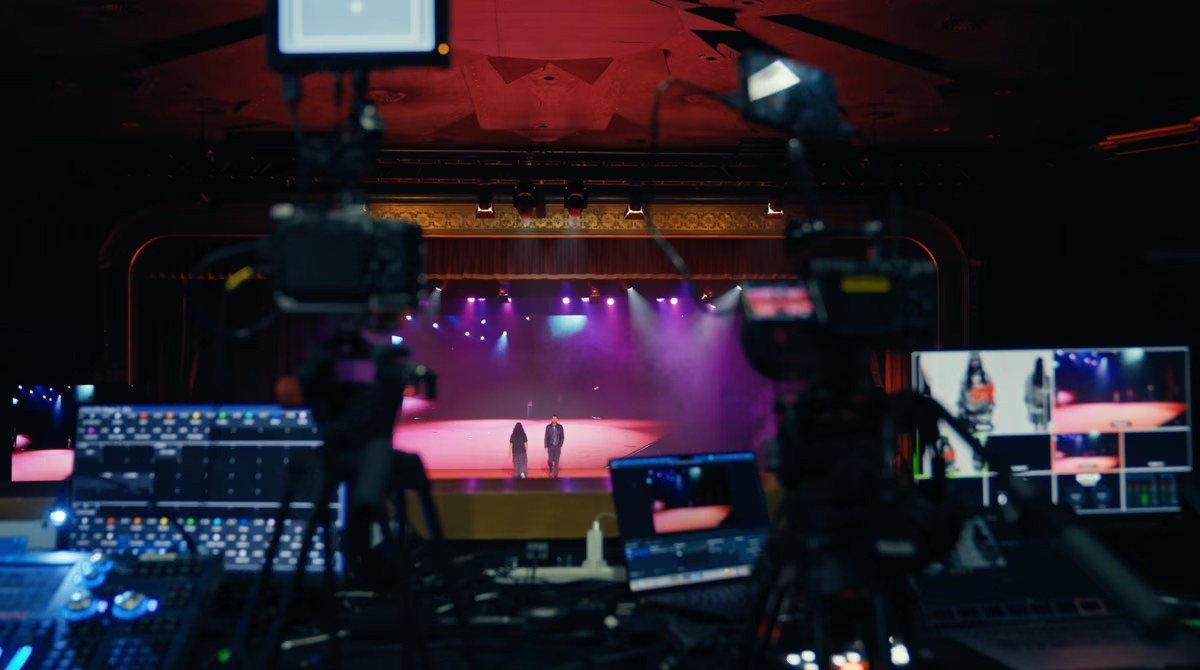
A professional stream follows a chain. Cameras and microphones create signals, a video switcher builds the programme, an encoder compresses it, and the internet connection sends it to the selected platform.
Every part of that chain must work continuously. A production team can replace a camera angle or switch to a backup microphone, but an encoder with no upload path cannot deliver the programme.
Connectivity should therefore be discussed during pre-production, not on the morning of the event. The production company needs to know where the control position will be, which network is available, who manages it and whether an independent backup can operate from the same location.
Upload Speed Is Only One Requirement
Streaming sends data out of the venue, so upload performance matters. Download speed may be excellent while upload capacity is limited or inconsistent.
The planned stream uses a defined bitrate. The connection should provide comfortable capacity above that bitrate rather than operating close to its limit. Headroom allows for normal variation and additional production traffic.
However, a high result from one speed test is not a guarantee. A reliable connection must also provide:
- Consistent upload capacity over time
- Low packet loss
- Stable latency
- Predictable routing
- No restrictive firewall or traffic policy
- Performance at the exact production location
A connection that reaches a high peak for thirty seconds but drops repeatedly is less useful than a slightly slower line that remains stable for several hours.
Why Venue Wi-Fi Is a Risk
Guest Wi-Fi is designed to provide convenient access to many devices. It is rarely designed as a dedicated broadcast circuit.
Performance may change when attendees arrive, exhibition stands activate, guests upload media or other suppliers begin using the same network. The access point near the production desk may also share capacity with other areas.
Wireless networks introduce interference and variable signal strength. Moving equipment, closing doors or filling a room with people can affect radio performance.
Wi-Fi can be useful for coordination and secondary devices, but a primary professional stream should normally use a tested wired connection whenever the venue can provide one.
Use a Dedicated Wired Connection When Possible
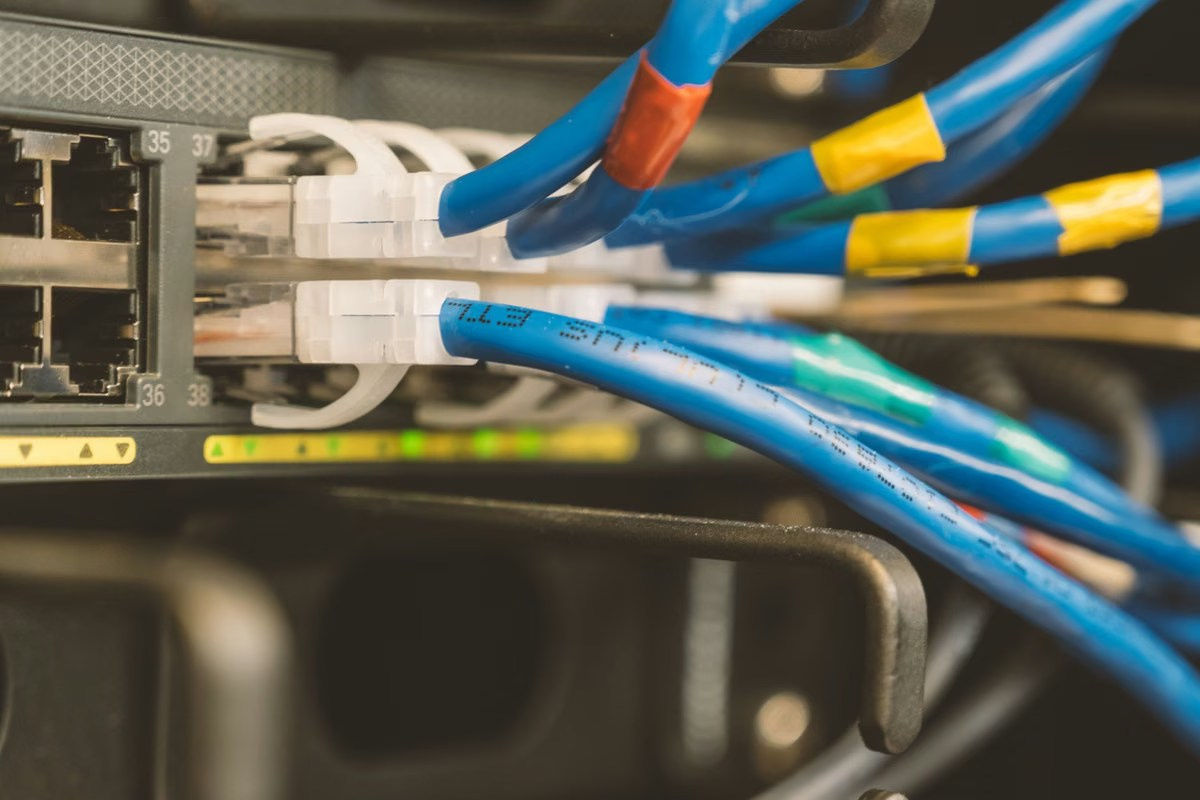
A wired connection reduces local wireless interference and provides a more predictable path from the encoder to the venue network.
“Wired” does not automatically mean “dedicated.” The cable may still connect to the same shared service used by guests, the hotel or other event systems. Ask the venue or network provider whether bandwidth is reserved and whether other users can affect it.
The production team should confirm:
- The physical port and location
- Available upload capacity
- Whether the line is shared
- Required login or network configuration
- Firewall restrictions
- Support contacts during the event
- Whether the service remains active during setup and rehearsal
A labelled cable in a ballroom is not sufficient evidence. The complete streaming route must be tested.
What Counts as Backup Internet?
A backup connection should be available to carry the stream if the primary path becomes unusable. It may be a second fixed line, a managed cellular connection or a bonded system combining several networks.
The strongest backup is independent of the primary failure point. Two connections from the same router, building switch or provider may stop together.
Ask whether the secondary path uses different infrastructure. Complete independence is not always possible, but understanding shared components helps the team evaluate the remaining risk.
Failover and Bonding Are Different
Failover
With failover, one connection is primary and another remains ready. If the primary fails, the system changes to the secondary connection.
The switch may be automatic or manual. The transition can still create a short interruption, and not every streaming platform or encoder handles a change in public network address in the same way. The workflow should be tested with the actual platform.
Connection Bonding
Bonding combines data from several connections and reconstructs the stream through a remote service. The production may use a wired line together with multiple cellular networks.
This can provide continuity when one path becomes weaker, because traffic is distributed across available links. Bonding also adds equipment, configuration and reliance on the bonding service.
It should not be treated as unlimited bandwidth. The combined system still depends on the quality and diversity of the individual connections.
Using 4G and 5G for Event Streaming
Mobile connectivity can be a valuable backup and, in some locations, a primary solution. Its performance is influenced by network coverage, building materials, antenna position, local congestion and the number of people using nearby cells.
An empty venue test may look excellent. When thousands of attendees arrive with mobile phones, performance can change significantly.
For important broadcasts, consider multiple mobile networks rather than several SIM cards from one operator. External antennas or a better equipment position may improve signal quality, but they cannot remove every capacity limitation.
Primary and Backup Should Not Share One Failure Point
Redundancy is weakened when two apparently separate services depend on the same infrastructure.
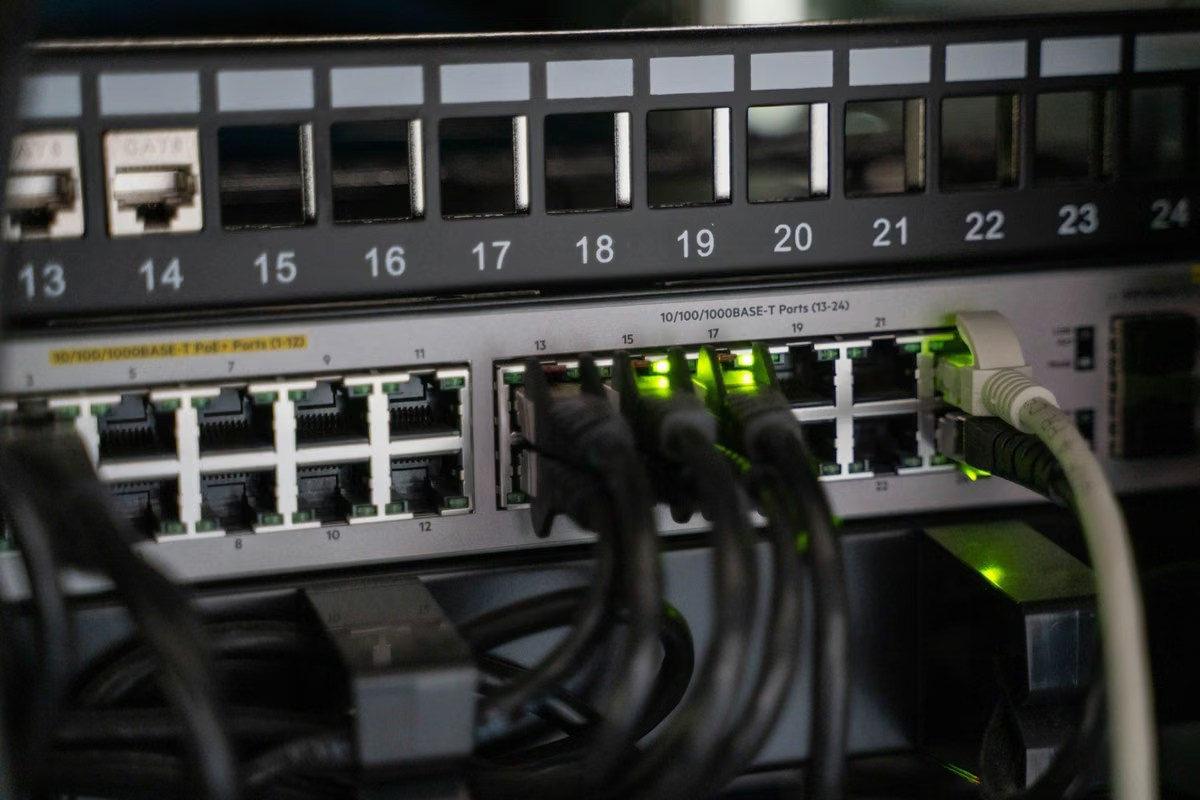
Examples include two Wi-Fi networks connected to one venue line, two Ethernet ports on one switch, or a fixed connection and mobile backup from providers that share upstream infrastructure at the location.
The production team may not be able to map every telecommunications dependency, but it should ask reasonable questions and create diversity where possible: separate providers, different connection types, independent power and more than one route into the encoder.
Configure the Encoder for Real Conditions
The stream bitrate, resolution and frame rate should match the connection and audience requirements. Selecting the highest possible quality can reduce reliability when bandwidth is limited.
A stable 1080p stream at an appropriate bitrate may provide a better viewer experience than an aggressive setting that buffers or disconnects. The encoder should also use platform-compatible settings and a keyframe interval accepted by the service.
If automatic bitrate reduction or adaptive behaviour is available, decide how it should respond before the event. A sudden quality reduction may be preferable to losing the broadcast, but the team should understand what viewers will see.
Monitor the Connection Throughout the Event
A successful test before doors open does not remove the need for live monitoring.
The streaming engineer should watch:
- Encoder bitrate
- Dropped frames
- Packet loss
- Connection status
- Platform health warnings
- Viewer-side playback
- Audio and video synchronisation
Monitoring the outgoing programme is not enough. A confidence device should also view the stream as the remote audience receives it. This can reveal platform, audio or access problems that are not visible on the production monitor.
The team needs a response plan. If the primary line degrades, operators should know whether the system will fail over automatically, when to switch manually and how to communicate with the organiser.
Test More Than a Speed-Test Website
A useful rehearsal sends a real test stream using the planned encoder, bitrate and platform. It should run long enough to reveal instability.
Test:
- The exact network port
- The primary and backup paths
- Automatic or manual failover
- The destination platform and access settings
- Presentation and audio sources
- Remote speakers
- Local recording
- Power backup for network and streaming equipment
Where possible, test while the venue is under realistic load. A full rehearsal with the AV system, remote contributors and presentation media is more valuable than checking the encoder in isolation.
Coordinate With the Venue Network Team
The venue’s event manager may not control technical networking. Identify the person who can confirm ports, bandwidth, firewall rules and support escalation.
Provide the production requirements in writing. Ask whether streaming protocols or destination addresses need approval and whether temporary credentials will expire.
For events in Dubai hotels, Abu Dhabi conference venues, exhibition centres or remote UAE locations, access arrangements may differ. Some lines require advance ordering, and last-minute bandwidth upgrades may not be available.
Confirm that the service will remain active during early setup, rehearsals and the complete event, including possible overtime.
Protect the Network Equipment With Power Backup
A second internet service does not help if the encoder, router or network switch loses power.
Critical streaming and networking devices may require uninterruptible power supplies. Cable routes and power distribution should be protected from accidental disconnection.
Local Recording Is Essential, but It Is Not Internet Backup
Local recording preserves the programme when transmission is interrupted. It can provide a clean file for later delivery, editing or rapid publication.
It does not keep the online audience connected. Internet redundancy and local recording solve different problems and should both be included when the event is important.
Record the final programme locally, and consider isolated camera and audio recordings when later edits are required. Confirm storage capacity and backup recording before the live programme begins.
Remote Speakers Depend on Two Connections
A remote contributor needs a stable connection at their location while the venue needs reliable connectivity to receive and return audio and video.
A venue backup cannot repair the guest’s home or office network. Remote speakers should complete a technical rehearsal, use a wired connection when possible and have a contact method outside the call.
The production may prepare a backup slide, holding graphic or moderator instruction if a remote speaker disconnects. This keeps the programme controlled while the connection is restored.
Backup Reduces Risk; It Does Not Guarantee Perfection
No production company can honestly guarantee that every external network, platform and telecommunications service will remain available without interruption.
Professional planning reduces avoidable risk through diversity, testing, monitoring, rehearsals and local recording. The objective is to prevent one predictable failure from ending the complete broadcast and to recover in a controlled way when conditions change.
Common Connectivity Mistakes
Relying on Guest Wi-Fi
A convenient network for attendees is not necessarily suitable for a continuous broadcast.
Testing Only Before Guests Arrive
Shared and cellular networks may behave differently when the venue is full.
Using Two Connections With the Same Failure Point
Two cables or network names may still depend on one router or provider.
Looking Only at Peak Speed
Stability, packet loss and sustained upload performance matter more than one impressive result.
Skipping a Real Platform Test
The encoder, network and destination service should be tested together.
Forgetting Power
Routers, encoders and switches need protected power as well as connectivity.
Assuming Local Recording Maintains the Stream
Recording protects the content, not the live audience experience.
Live Streaming Connectivity Checklist
- Confirm the required stream resolution and bitrate
- Order a wired connection with sufficient upload capacity
- Ask whether the line is dedicated or shared
- Identify the venue network contact
- Confirm firewall and platform access
- Provide an independent backup path
- Test failover or bonding under real conditions
- Monitor encoder and platform health
- Protect network equipment with suitable power backup
- Create local programme and audio recordings
- Prepare communication and recovery procedures
Frequently Asked Questions
Is venue Wi-Fi enough for professional live streaming?
Usually it should not be the only connection. A tested wired or managed connection provides greater predictability, with an independent backup for important events.
How much upload speed does a live stream need?
It depends on resolution, bitrate and platform. The connection should provide stable capacity comfortably above the planned streaming rate.
What is internet failover?
Failover changes the stream from a primary connection to a secondary path when the first becomes unavailable or unusable.
What is bonded internet?
Bonding distributes stream data across multiple connections and reconstructs it through a remote service, helping maintain continuity when one link weakens.
Can 5G be used for a corporate livestream?
Yes, but coverage and capacity can change with location and audience congestion. It should be tested and, for important events, combined with appropriate redundancy.
Does backup internet prevent every interruption?
No. It reduces risk and provides recovery options, but no external network or platform can be guaranteed absolutely.
Should the event still be recorded locally?
Yes. Local recording preserves the programme for later delivery if transmission or platform issues occur.
Conclusion
Backup internet is a core part of professional event live streaming. The strongest plan combines a tested primary connection, an appropriately independent backup, realistic encoder settings, continuous monitoring and local recording.
GSP Media provides multi-camera live streaming and corporate event production in Dubai and across the UAE, including venue coordination, connectivity planning, platform delivery and backup recording.

What Affects Corporate Event Photography and Video Costs?
Event Photography vs Videography: What Does Your Event Need?

Video Podcast Production in Dubai: Complete Business Guide
Professional Event Live Streaming: How It Works

Corporate Event Photo & Video Company Dubai: How to Choose
What Should Be Included in a Corporate Event Photography and Video Quote?

Event Highlight Video vs Full Event Recording: What Is the Difference?

Public vs Private Live Streaming for Corporate Events

Live Streaming vs Recording an Event: Which Should You Choose?

How to Maintain Consistency Across a Fashion Ecommerce Catalogue


