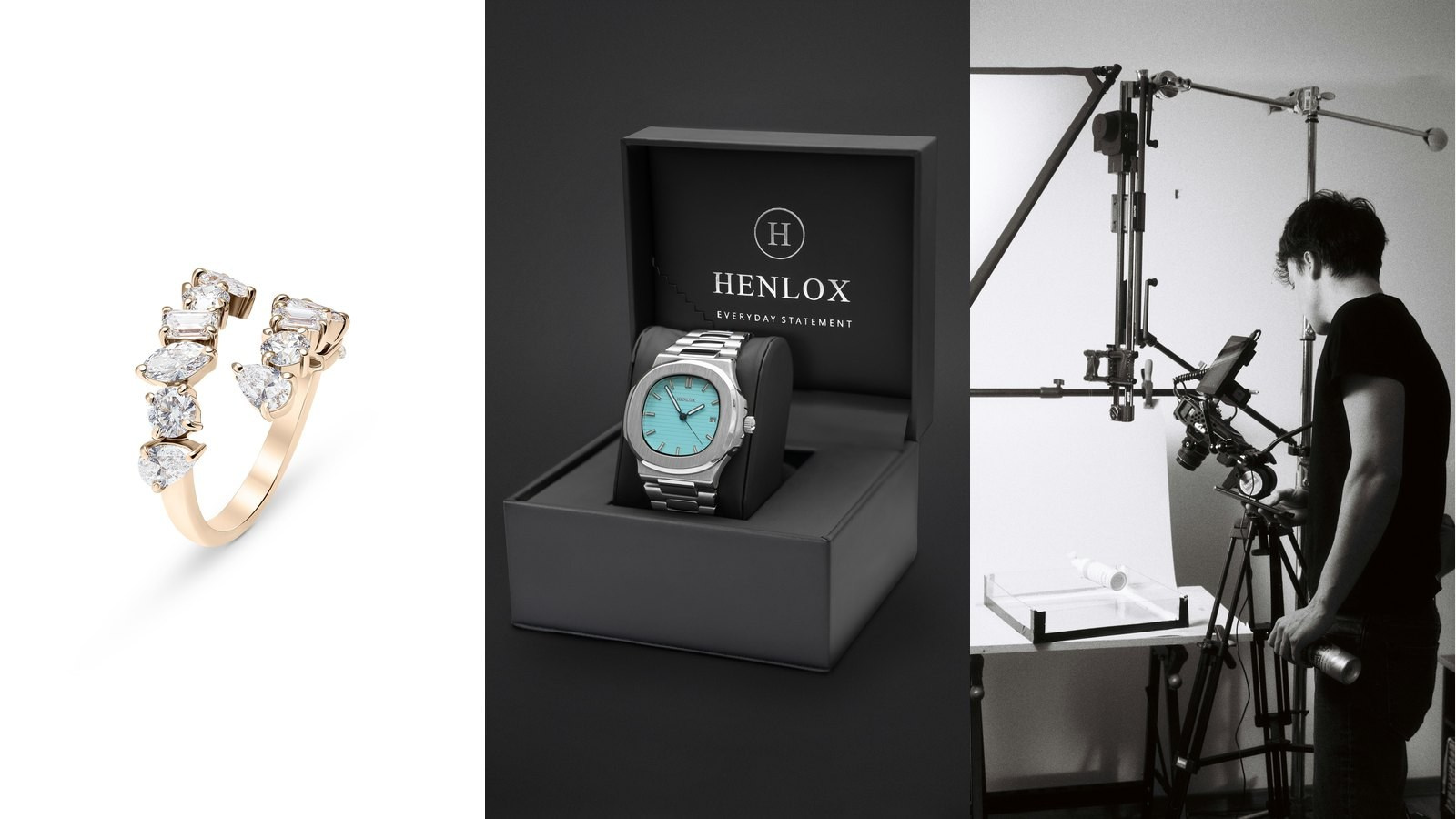
Professional product retouching turns a carefully photographed image into a consistent, publication-ready asset. It corrects temporary imperfections, controls reflections and colour, cleans backgrounds and prepares files for the channels where they will be used.
It is not a substitute for proper product preparation, lighting or photography. A retoucher can remove dust, but rebuilding a damaged package, changing an incorrect label or inventing product detail may create unnecessary work and an inaccurate representation.
This guide explains what brands, ecommerce teams and agencies in Dubai and across the UAE can expect from professional product retouching, which tasks are usually considered standard and which require advanced editing or compositing.
The Short Answer
Professional product retouching normally includes image selection support, exposure and colour correction, background cleanup, dust and small imperfection removal, controlled sharpening, consistent cropping and final export. Advanced work may include complex reflection control, transparent-product masking, colour changes, label replacement, shape correction, focus stacking, compositing and rebuilding damaged areas.
The quote should define the expected finish, the number of final images, acceptable product changes, file formats and revision process before editing begins.
What You Will Learn
- What standard product retouching usually includes
- Which products require advanced editing
- How colour, reflections and backgrounds are managed
- Why retouching cannot fix every production problem
- How to brief and approve a retouching workflow
Retouching Starts Before the Shoot
The most efficient retouching workflow begins with the physical product. Samples should be cleaned, checked, correctly assembled and photographed with final packaging wherever possible.
Dark surfaces reveal fingerprints and dust. Metallic products show small scratches. Transparent bottles reveal marks on both the front and back. Printed boxes may have bent corners, uneven labels or colour differences between samples.
These issues should be identified before the lighting is finalised. The production team can then choose the best sample, position labels accurately, use gloves and decide which imperfections are temporary and safe to remove.
A well-prepared product reduces editing time and protects accuracy. Retouching should refine a real, camera-ready object rather than rescue a sample that was never suitable for photography.
Standard Image Correction
Standard correction creates a technically consistent starting point across the complete image set.
It may include:
- White balance and overall colour correction
- Exposure and contrast adjustment
- Highlight and shadow recovery
- Lens and perspective correction
- Noise reduction
- Controlled sharpening
- Crop, alignment and product scale
These steps sound simple, but consistency matters. Twenty individually attractive images can still create a poor catalogue if the background, product size, angle and contrast change from one SKU to the next.
Background Cleanup and Isolation
White-background ecommerce images often require more than making the background bright.
The editor may remove visible studio edges, dust, support materials and unwanted gradients while preserving a natural product edge. The final background must also match the required platform value without erasing pale packaging, translucent materials or soft shadows.
Some brands need an isolated product on a transparent background. This requires accurate masking around hair-like fibres, jewellery, transparent glass, reflective metal or complex packaging.
A natural shadow can be retained, rebuilt or removed depending on the visual standard. The decision should be consistent across the catalogue.
Dust, Scratches and Temporary Imperfections
Small cleanup is one of the most common parts of product retouching.
Typical corrections include:
- Dust and fingerprints
- Minor surface marks
- Loose fibres
- Small packaging creases
- Uneven adhesive residue
- Temporary handling marks
The editor should preserve intentional texture. Leather grain, brushed metal, natural stone variation and the surface of a cosmetic formula are product characteristics, not defects.
Excessive smoothing can make materials look artificial and create a mismatch between the image and the delivered product.
Colour Accuracy and Colour Matching
Colour work begins with calibrated photography, controlled light and an appropriate reference. Retouching can then align the image with the approved product sample and maintain consistency across angles.
The editor may need to manage differences caused by reflective materials, mixed finishes or translucent packaging. A metallic cap and printed label react to light differently, even when both contain the same brand colour.
Colour matching should be reviewed on a suitable display and, when accuracy is critical, against a physical sample or approved colour reference.
Changing one product photograph into many colour variants is possible in some situations, but it should not be assumed. Different fabrics, gloss levels, transparency and printed details may require separate photography or substantial masking and adjustment.
Reflection and Highlight Control
Reflections describe the shape and material of glossy products. The goal is not always to remove them completely.
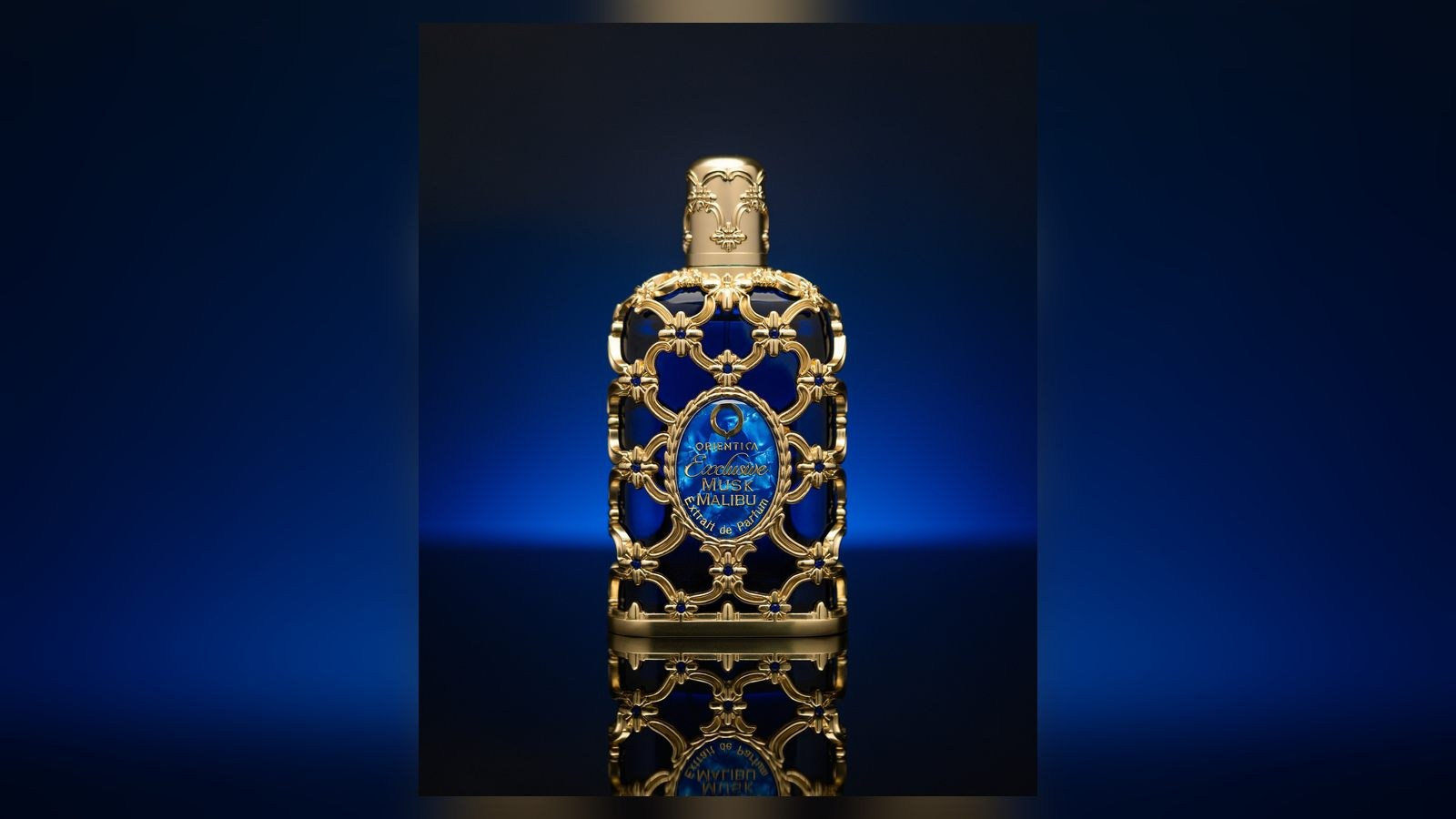
Professional retouching may reduce distracting hotspots, clean reflected studio equipment, balance highlight transitions and combine exposures created during the shoot. The final image should still explain whether the surface is glass, polished metal, glossy plastic or matte material.
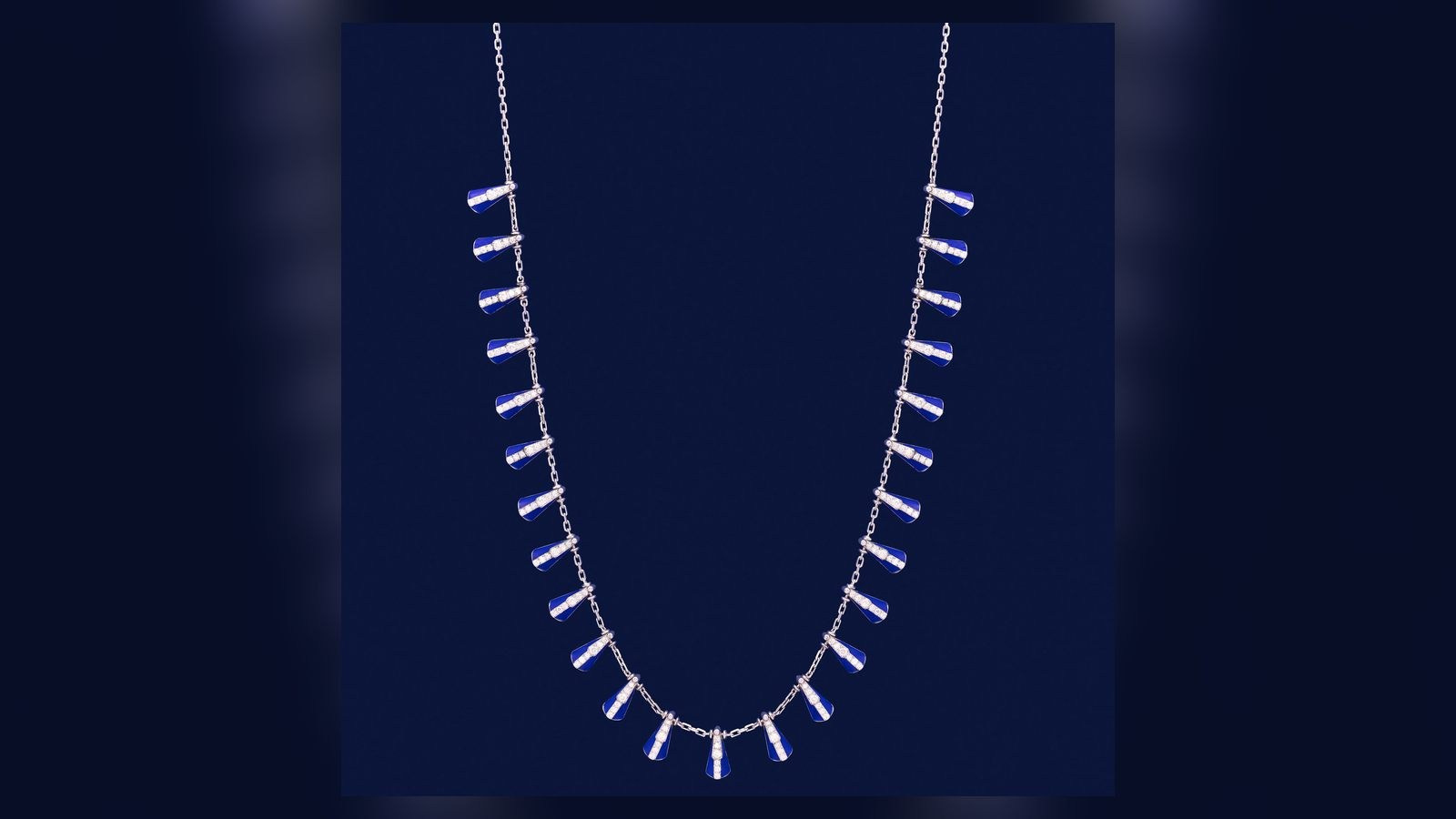
Watches, jewellery, perfume bottles and electronics often require controlled reflection work. The retoucher needs to protect edge definition, engraving, gemstones, screens and printed details while creating a clean overall result.
If the original lighting does not reveal the product shape, editing has limited information to work with. Strong reflective-product retouching therefore depends on a photography plan designed for post-production.
Transparent and Translucent Products
Glass bottles, clear packaging and liquids need careful separation of the product, background and internal detail.
The editor may balance the transparency, clean the rear label visible through the bottle, control liquid colour and maintain realistic edges. Removing too much background influence can make transparent products look like flat opaque cut-outs.
Multiple captures may be combined: one for the front label, one for the cap, one for the liquid and another for the product outline. This is an advanced workflow planned during photography, not a correction added casually at the end.

Shape, Symmetry and Packaging Alignment
Minor alignment adjustments may be appropriate when flexible packaging, labels or closures cannot be positioned perfectly on set.
Examples include straightening a label, balancing a soft pouch or correcting a small perspective difference between otherwise identical catalogue images.
Major shape changes should be approved carefully. Slimming a product, changing its proportions or making packaging appear more precise than the manufactured item can mislead customers.
The brief should distinguish presentation cleanup from product redesign.
Focus Stacking
Small products photographed at close distance may not appear sharp from front to back in one exposure.
Focus stacking combines several photographs captured at different focus positions. It is useful for jewellery, watches, electronics details and other products where depth and fine texture matter.
The editor aligns the frames and blends only the sharp areas. Movement, changing reflections or dust between captures can make the process more complex, so the camera and product must remain stable during photography.
Compositing
Compositing combines several captures or visual elements into one final image.
It may be used to:
- Combine the best lighting for different surfaces
- Add a clean label exposure to a reflective bottle
- Place the product into an approved background
- Build a group image from separately photographed items
- Create an advertising composition from several controlled elements
Compositing is normally advanced retouching. It requires matching perspective, light direction, shadow, scale, sharpness and colour so the final image feels coherent.
Label, Screen and Artwork Replacement
A final label or screen design may occasionally be unavailable during photography. Approved artwork can sometimes be inserted during post-production.
The editor must match the surface perspective, curvature, reflections, print texture and edge behaviour. Placing a flat file over a bottle without integrating it into the lighting usually looks artificial.
Artwork replacement should use final approved files and clearly documented versions. Otherwise, the team may deliver technically polished images with outdated packaging information.
What Retouching Should Not Automatically Change
Product imagery should remain commercially attractive without becoming inaccurate.
Do not assume the editor will change:
- Product proportions
- Manufacturing characteristics
- True material texture
- Included accessories
- Regulated label information
- The actual colour or finish
Any significant alteration should be requested and approved explicitly.
Retouching for Ecommerce, Advertising and Print
The required finish depends on the channel.
An ecommerce catalogue prioritises clarity, colour accuracy, repeatability and efficient delivery across many SKUs. A campaign key visual may require detailed compositing, refined reflections and work at a larger resolution. Print files may need different sharpening, colour preparation and bleed than website images.
One master file can often support several outputs, but crops and final exports should be planned. A square marketplace image, a wide website banner and a vertical social composition may need different spacing and retouching decisions.
File Formats and Delivery
A structured delivery may include high-resolution master files, web-ready JPEGs, transparent PNGs when required and platform-specific crops.
Confirm:
- Pixel dimensions and aspect ratios
- Background requirements
- Colour profile
- Transparent or solid background
- File naming convention
- Folder structure by SKU
Layered working files are not normally part of standard final delivery unless agreed. They may contain technical masks, intermediate versions and licensed assets that require separate management.
How to Brief Product Retouching
Provide a visual standard before the editor completes the entire catalogue.
A useful brief includes approved references, sample images, known defects, changes that are allowed, colour references, background and shadow rules, crops, output formats, naming and approval contacts.
For a large job, approve a small test set representing the most difficult product types. Once the finish is agreed, the same rules can be applied consistently.
Revisions and Approval
Feedback should be specific and consolidated by one authorised person.
Comments such as “make it premium” are difficult to apply consistently. Indicate the exact image, area and requested correction. Confirm whether the change applies only to that file or to the entire catalogue.
Use numbered filenames or an online review tool. Avoid sending separate, conflicting comments through several messaging channels.
What Affects Retouching Scope?
The workload depends on the number of images, product condition, surfaces, masking difficulty, colour changes, compositing, output sizes, deadlines and consistency requirements.
Two images can take very different amounts of time. A clean matte box on white may need standard correction. A transparent perfume bottle with metallic details, several labels and complex reflections may require multiple captures and detailed compositing.
A representative sample is more useful for quoting than the number of products alone.
Common Mistakes
Assuming Everything Can Be Fixed Later
Post-production cannot fully replace missing detail, unsuitable lighting or an incorrect product sample.
Removing Real Material Texture
Over-smoothing can make leather, fabric, food and cosmetics look artificial.
Approving Without a Reference
Teams may interpret “clean” or “luxury” differently unless a visual standard is agreed.
Changing Artwork During Retouching
Uncontrolled versions create errors and repeated work.
Requesting New Crops After Completion
The original composition may not contain enough space for every format.
Frequently Asked Questions
Is retouching included in professional product photography?
A defined level of correction is often included, but advanced compositing, colour changes and artwork replacement should be quoted separately.
Can damaged packaging be repaired digitally?
Minor temporary imperfections may be corrected. Major damage is better solved with a replacement sample because digital rebuilding can be slow and inaccurate.
Can one product be changed into several colours?
Sometimes, especially for simple matte products. Material, transparency, texture and coloured reflections may make separate photography more reliable.
Are raw files included?
Not automatically. Raw files are production materials and require specialised processing. Final deliverables should be defined in the quotation.
How should a large catalogue be approved?
Approve representative test images first, then review batches using consistent filenames and one consolidated feedback document.
Conclusion
Professional product retouching is a controlled finishing process that protects accuracy while improving consistency and presentation.
The strongest results come from camera-ready products, lighting planned for the material, an agreed visual standard and clear limits on what may be changed.
Brands should separate standard correction from advanced compositing and define outputs before production. This creates a predictable workflow and a product image library that remains useful across ecommerce, marketplaces, advertising and print.
Planning Product Photography and Retouching in the UAE?
GSP Media provides professional product photography, videography and post-production for brands, ecommerce teams and agencies in Dubai and across the UAE.
We can help prepare a repeatable visual standard, photograph complex products and deliver organised files for your sales and marketing channels.
Blog

AI Content vs Traditional Photography and Video: What Should Your Brand Use?

How to Prepare Product References for AI Content Production

How Many Product Images Does an Ecommerce Product Page Need?

What Affects the Cost of Professional Live Streaming in Dubai?

How to Plan Photography and Video for a New Fashion Collection

How Product Photography Pricing Is Calculated

What Should Be Included in a Video Podcast Production Quote?


How Many Short Videos Can You Create From One Video Podcast?
Ecommerce Fashion Photography vs Campaign Photography
Product Photography vs Product Videography: What Does Your Brand Need?
How to Prepare Clothing for an Ecommerce Fashion Photoshoot
White Background vs Lifestyle Product Photography
Ecommerce Fashion Photography: Model, Mannequin or Flat Lay?