
Accurate AI-assisted product content begins with accurate source material. A generation system can create dramatic lighting, environments and campaign variations, but it does not automatically know the exact shape, label, cap, texture or colour of a real product.
The quality of the reference pack determines how efficiently a production team can develop concepts and how reliably the final visuals can be checked.
This guide explains what brands, ecommerce teams and agencies in Dubai and across the UAE should prepare before an AI content project, from product photographs and artwork to brand guidelines, approval rules and final delivery formats.
The Short Answer
Provide clean, high-resolution photographs of the approved product from several useful angles, close views of labels and distinctive details, final packaging artwork, accurate colour references, brand guidelines, creative references and a precise list of deliverables.
Also define what the AI-assisted workflow may change and what must remain exactly true to the physical product. One authorised person should approve both creative direction and product fidelity.
What You Will Learn
- Which product photographs make the best AI references
- Why one front image is rarely enough
- Which brand and artwork files should be supplied
- How to define acceptable and unacceptable changes
- How to organise review, revisions and delivery
Why Reference Quality Matters
AI-generated content is influenced by the information available to the production workflow. If the source image hides the side of a bottle, the system may invent that side. If the label is too small to read, the generated version may replace it with incorrect text. If the cap is partly covered, its shape may change between variations.
Strong references reduce uncertainty. They give the creative and post-production team enough information to recognise errors and rebuild important details when necessary.
The reference pack also creates a shared standard. Marketing, brand, ecommerce and production teams can compare the same physical product, artwork and approved colours instead of relying on personal interpretation.
Start With the Approved Product
Confirm that the photographed sample matches the version that will be sold or promoted.
Check:
- Product proportions and components
- Final cap, closure or applicator
- Correct label and packaging copy
- Approved colour and finish
- Included accessories
- Current logo and artwork
- Regional packaging differences
Prototype packaging may be acceptable for early concept development, but it should be identified clearly. Otherwise, an outdated detail can be repeated across several polished final assets.
Photograph More Than the Front
A single product image explains only one view.
A useful reference set may include:
- Direct front view
- Left and right three-quarter views
- Side and back when relevant
- Top view of the cap or closure
- Bottom or base shape if visible in the concept
- Close views of labels, textures and materials
- Product beside a simple scale reference
These views do not all need to appear in the campaign. Their purpose is to describe the real object accurately.
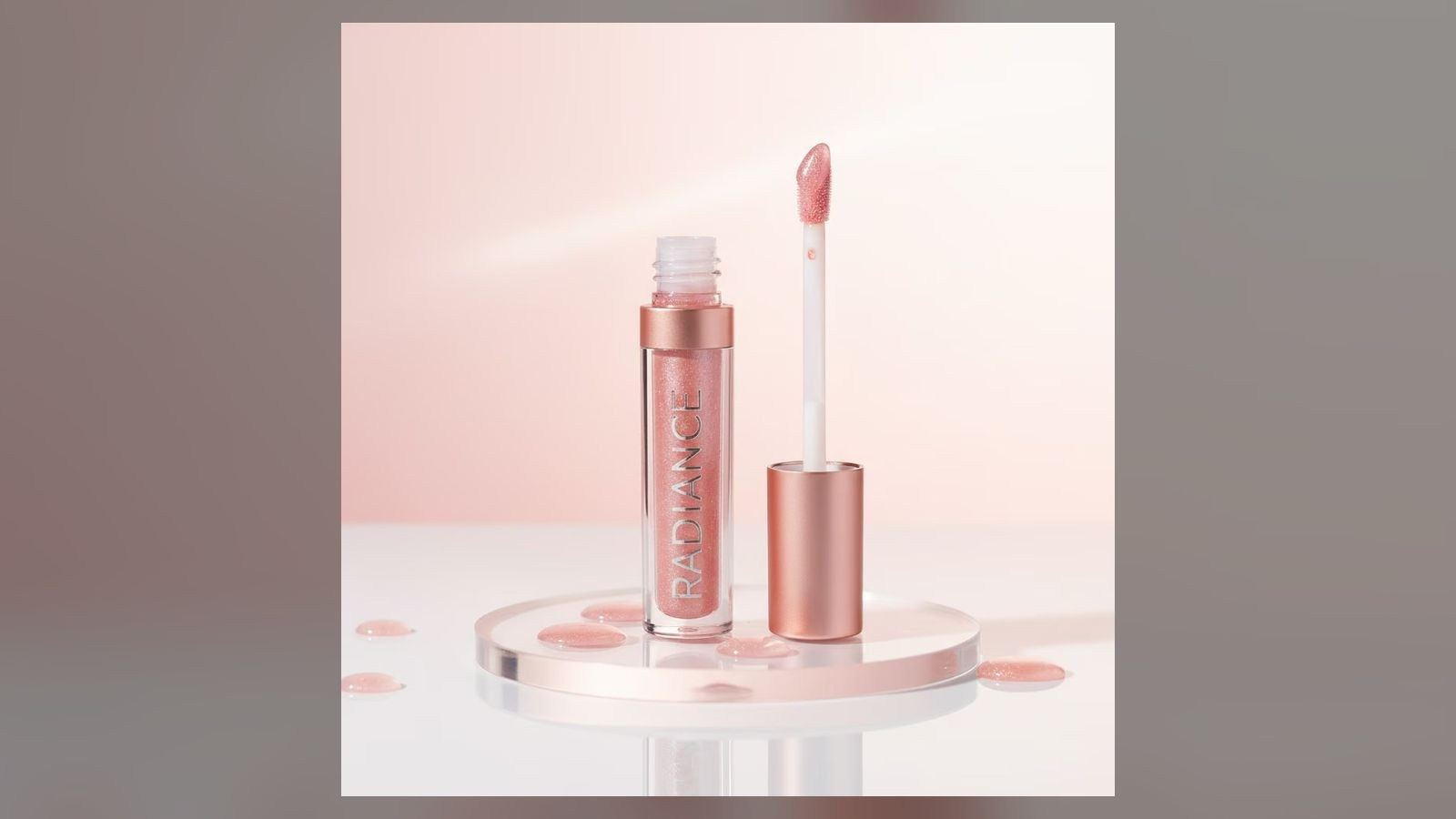
For transparent perfume, include angles that show the liquid level, bottle wall, rear label and cap construction. For cosmetics, record the applicator and formula texture. For electronics, include buttons, ports, screens and surface finishes.
Use Clean, Neutral Source Photography
The most useful reference is clear, sharp and evenly exposed.
Ideally:
- The complete product is visible
- The image has sufficient resolution for detail review
- Perspective is not heavily distorted
- The background does not cover product edges
- Reflections describe the real material
- Labels are readable
- Colour is neutral and approved
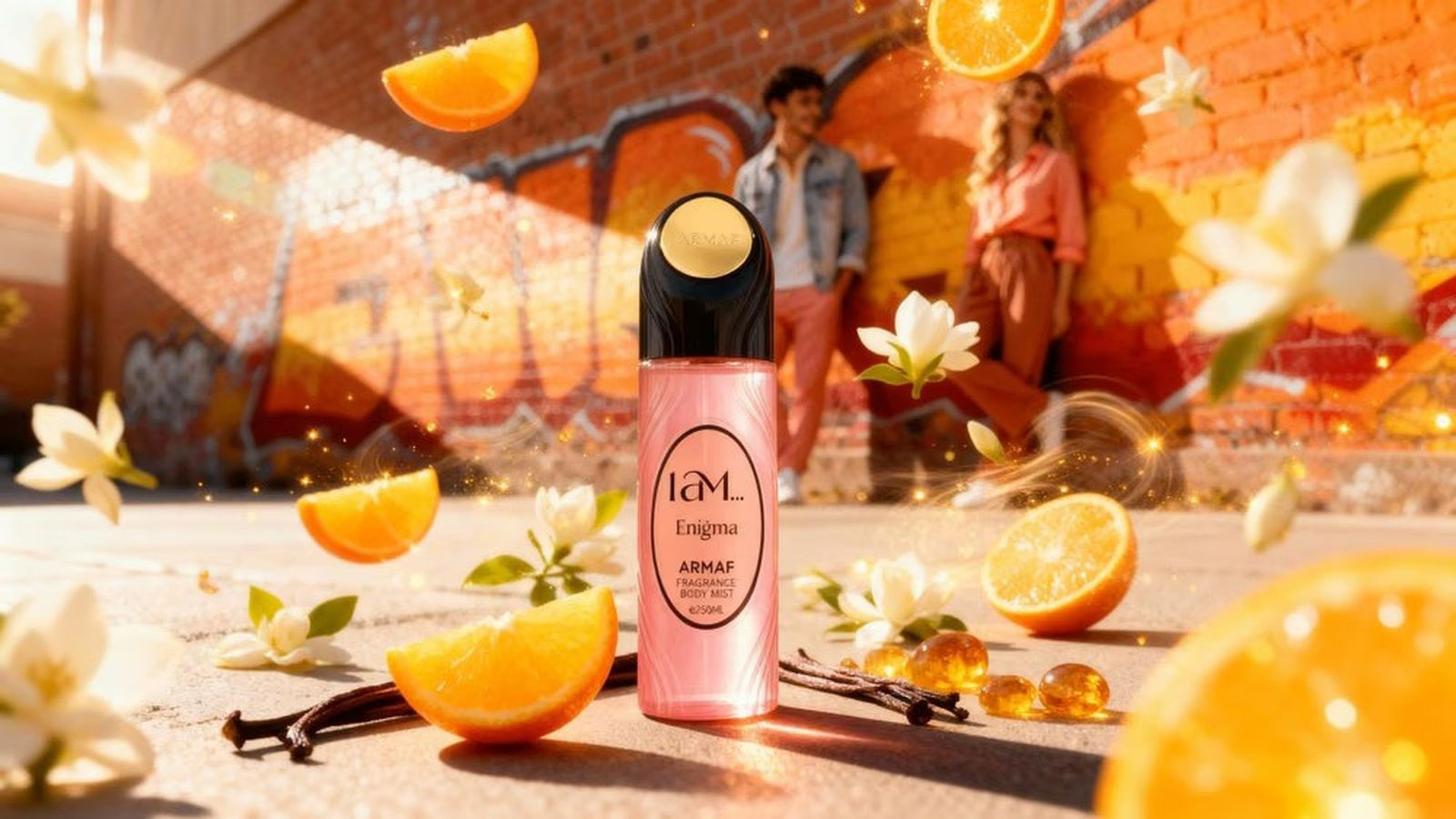
A dramatic campaign photograph can be a useful style reference, but it may not be the best product reference. Deep shadows, props and strong colour grading can hide the information needed to protect the product.
Include Close-Ups of Critical Details
Identify the details that make the product commercially recognisable.
These may include:
- Logo position and size
- Typography and label spacing
- Embossing or engraving
- Stitching and seams
- Jewellery settings
- Watch dial markers and hands
- Cap texture
- Buttons, controls or ports
- Material grain
Close-ups help the team detect when a generated output is attractive but incorrect.
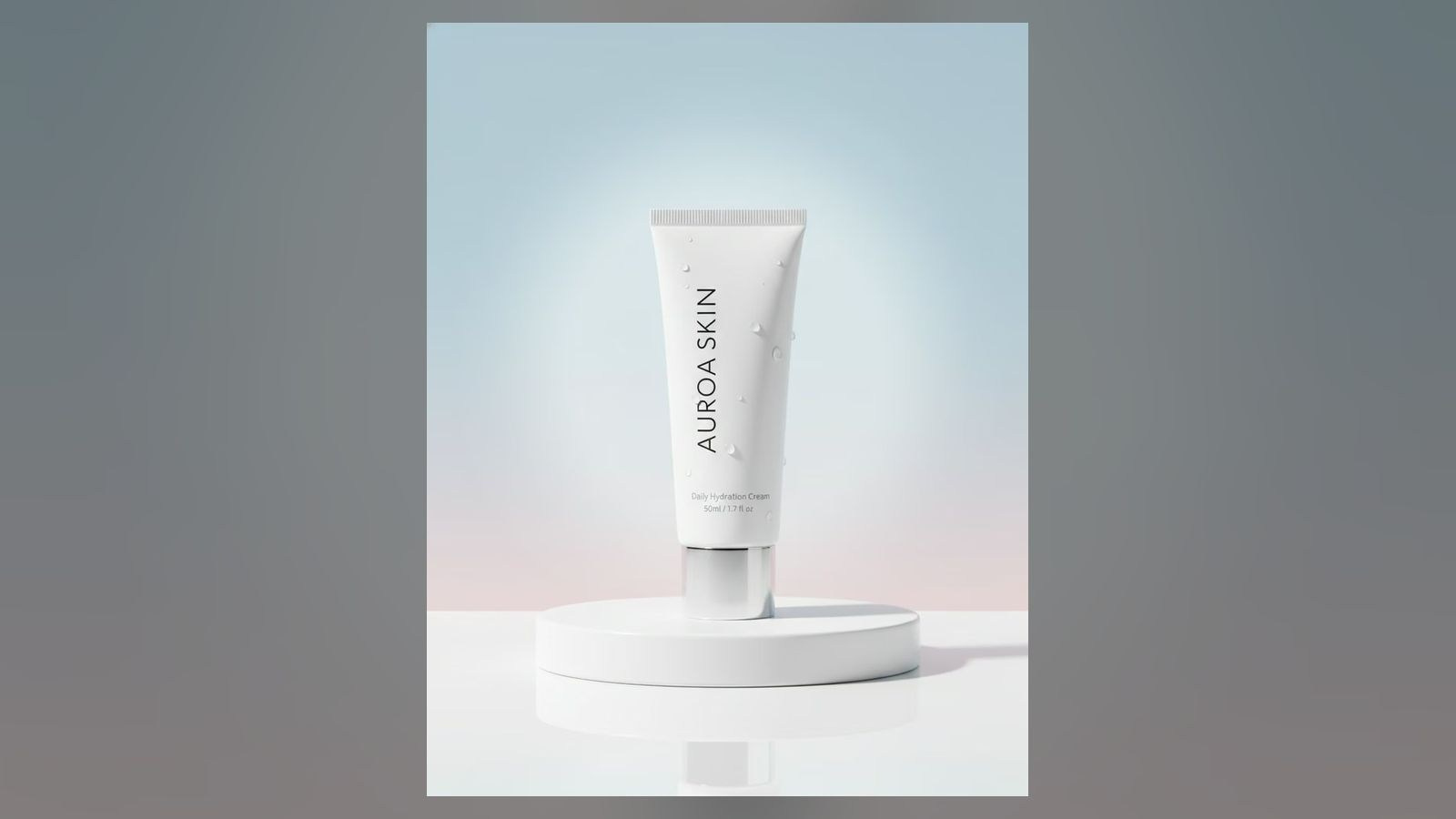
Create a short “must remain exact” list. A skincare tube may allow a different background and shadow but not a different cap, logo, volume statement or colour. A handbag may allow new styling but not altered hardware or stitching.
Provide Final Artwork Files
Packaging text and logos are frequent problem areas in generated imagery.
Supply final approved artwork separately when possible:
- Logo files
- Label artwork
- Packaging layouts
- Screen graphics
- Approved typography
- Regulated text that must remain legible
These files can support compositing and correction after the creative image has been developed.
Use clear version names and identify the final file. “Label-final-v7-new” is not a reliable approval system when several departments are involved.
Define Colour With More Than a Screenshot
Colour screenshots can change between devices and applications.
Provide the physical sample when practical, approved colour values, packaging artwork and professionally prepared product photography. Note whether finishes are matte, glossy, metallic, translucent, pearlescent or textured.
The same nominal colour behaves differently on printed paper, coloured glass, fabric and polished metal. Material and surface information are therefore part of the colour reference.
Prepare Brand Guidelines
The production team needs to understand the brand world, not only the product.
Useful guidance includes:
- Primary and secondary colours
- Typography and logo rules
- Lighting and contrast preferences
- Preferred materials and environments
- Composition and negative space
- Model and styling direction
- Cultural or regional considerations
- Examples the brand considers incorrect
Negative guidance is valuable. “Do not use neon colours, heavy reflections or futuristic metallic environments” can be more useful than a general request to make the visual feel premium.
Separate Product References From Creative References
Product references explain what must remain true. Creative references explain how the final content should feel.
Keep these groups separate.
A mood board may communicate warm desert light, translucent fabric, botanical shadows or minimal architecture. It should not accidentally become permission to copy another campaign’s product placement, logo treatment or exact composition.
Add short notes explaining what is relevant in each creative reference: colour, light, framing, texture, pace or atmosphere.
Define the Intended Channels
The final platform affects composition, movement, duration and resolution.
List every required placement:
- Website hero
- Ecommerce product page
- Instagram post or Reel
- LinkedIn content
- Digital advertising
- Email campaign
- Retail screen
- Presentation
- Print advertisement
A concept designed only as a wide image may lose the product when cropped vertically. A short motion asset may need a clear opening frame, safe text area and ending that can loop.
Provide pixel dimensions, aspect ratios, duration and file limits whenever they are known.
Define What May Change
Create two explicit lists.
Elements That May Change
- Background environment
- Props
- Atmosphere
- Camera height or crop
- Lighting direction within the approved style
- Seasonal colour accents
- Motion around a static product
Elements That Must Remain Exact
- Product proportions
- Logo and packaging text
- Cap, closure and hardware
- Product colour and material
- Included components
- Regulated information
- Approved claims
This distinction makes reviews faster and prevents a creative correction from becoming an unintended product change.
Organise Products and Variations
For several SKUs, create a simple reference matrix.
Include:
- SKU or product code
- Commercial name
- Colour or size variation
- Reference filenames
- Required final assets
- Accuracy notes
- Approval status
File names should connect the source images, artwork and final deliverables. Avoid sending several products with filenames such as IMG_001, final2 and new-final.
Provide Motion References for AI Video
For motion content, a still mood board is not enough.
Describe:
- Camera movement
- Product movement
- Background movement
- Pace and duration
- Start and end frames
- Looping requirements
- Elements that must remain static
Complex movement can expose inconsistencies that are invisible in one still frame. A bottle may change proportions, a label may move or a piece of jewellery may transform during the shot.
Agree whether the goal is subtle atmospheric motion, a complete product transformation or a more abstract visual concept.
Confirm Source Permissions
The client should be authorised to provide and use the supplied product photographs, brand files, model images and other source material.
Do not assume that an image found online can be used as a production asset. Public availability is not the same as permission.
Creative references should be used to communicate direction, not to reproduce another brand’s protected artwork or recognisable campaign.
Build an Approval Workflow
AI content can produce many options, so approval needs structure.
A practical sequence is:
- Approve the brief and reference pack
- Review a small set of creative directions
- Select one direction
- Approve a representative style frame
- Check product accuracy
- Develop the remaining versions
- Complete human retouching and finishing
- Review final platform exports
Avoid asking several stakeholders to comment independently in different channels. One consolidated review should identify the asset, area, problem and required change.
Review Creativity and Accuracy Separately
A strong review uses two questions:
- Does this visual express the approved campaign idea?
- Does it represent the product and brand correctly?
A concept can pass one test and fail the other.
Check the product against the source at a useful zoom level. Review logos, text, geometry, materials, reflections, shadows, accessories and repeated details. For a series, compare all images together to identify drift.
What Affects the Quote?
The scope depends on the amount of uncertainty and finishing required.
Important factors include:
- Number of products and variants
- Quality of source images
- Need for new product photography
- Number of creative directions
- Still or motion deliverables
- Required product accuracy
- Compositing and artwork replacement
- Number of aspect ratios and versions
- Revision and approval structure
- Production schedule
A complete reference pack usually produces a more accurate proposal than a request for “five AI images” without products, formats or quality requirements.
Reference Pack Checklist
- Approved product sample or confirmation
- Front, side, back, top and three-quarter photographs
- Close-ups of labels and distinctive details
- Final logos and packaging artwork
- Approved colour and material references
- Brand guidelines
- Creative mood board with notes
- List of elements that may and may not change
- Final channels, sizes and formats
- SKU and filename structure
- Approval contacts and revision process
- Deadline and publishing schedule
Common Mistakes
Sending Only One Low-Resolution Image
The hidden sides and small details may be invented or lost.
Using an Outdated Sample
Old packaging can be repeated across every final visual.
Mixing Product and Mood References
The team may not know which information must be exact and which is only creative direction.
Leaving Product Changes Undefined
Review becomes subjective when no fidelity rules have been agreed.
Approving Every Variation Independently
Without one style frame, the campaign can lose consistency.
Requesting New Formats at the End
The composition may not contain enough space for an unplanned crop.
Frequently Asked Questions
Can phone photographs be used as references?
They can support early development if they are sharp, well lit and show the product clearly. Professional source photography provides more reliable detail for final commercial work.
Do we need to send the physical product?
Not for every project. A physical sample is valuable when colour, material, transparency or complex construction must be checked precisely.
How many product angles are required?
Provide enough views to describe every surface that may appear. Front and two three-quarter views are a useful minimum for many products, with extra close-ups for labels and distinctive details.
Can the production team fix incorrect label text?
Yes, when final artwork is supplied and the correction is included in post-production. Text accuracy should not be left to generation alone.
Should we provide examples from other brands?
They can communicate lighting or atmosphere, but add notes explaining what is relevant. References should guide direction rather than be copied.
Can one reference pack support several campaigns?
Yes, if the product and artwork remain current. Maintain a controlled source library and replace outdated versions.
Conclusion
A professional AI content project begins with product truth.
Clear multi-angle photography, close details, approved artwork, colour references and brand guidelines give the production team the information required to create imaginative content without losing the real product.
When the brief also defines channels, acceptable changes and one approval workflow, AI-assisted production becomes more controlled, efficient and commercially useful.
Planning AI Product Content in the UAE?
GSP Media creates AI-assisted product visuals, campaign concepts and digital content for brands and agencies in Dubai and across the UAE.
We can review your existing product assets, identify missing references and build a production workflow that combines creative generation with human compositing, retouching and quality control.
Blog

How Many Product Images Does an Ecommerce Product Page Need?

What Affects the Cost of Professional Live Streaming in Dubai?

How to Plan Photography and Video for a New Fashion Collection

How Product Photography Pricing Is Calculated

What Should Be Included in a Video Podcast Production Quote?


How Many Short Videos Can You Create From One Video Podcast?
Ecommerce Fashion Photography vs Campaign Photography
Product Photography vs Product Videography: What Does Your Brand Need?
How to Prepare Clothing for an Ecommerce Fashion Photoshoot
White Background vs Lifestyle Product Photography
Ecommerce Fashion Photography: Model, Mannequin or Flat Lay?
How to Prepare Products for a Commercial Photoshoot

Corporate Podcast vs Video Interview: Which Format Is Right for Your Business?
