
An ecommerce product page needs enough images to answer the questions a customer would normally ask while examining the product in person. There is no universal number that works for every item. A simple packaged product may need only a clear main image, several angles and one scale reference. A watch, piece of jewellery, electronic device or fashion accessory may require additional close-ups, feature images, packaging and lifestyle content. This guide explains how businesses in Dubai and across the UAE can plan the right image set for an ecommerce product page without creating unnecessary photographs or leaving important buying questions unanswered.
The Short Answer
Most product pages need a structured set rather than one repeated photograph. A useful starting point is a main image, two or three supporting angles, one or more detail images, a scale or context image and any essential feature or packaging views. The final number depends on product complexity, marketplace rules, customer questions, variants and the way the item is sold.
What You Will Learn
- How to decide the number of images for each SKU
- Which photographs belong in a complete ecommerce image set
- When detail, scale and lifestyle images are necessary
- How product complexity changes the shot list
- How to handle colour and size variations efficiently
- Why marketplaces and brand websites may need different assets
- How to build a repeatable image standard for a large catalogue
Begin With the Customer’s Questions
The correct image count is determined by information, not by a fixed package. Before planning the shoot, list what a customer needs to understand:
- What does the complete product look like?
- What is its shape from the front, side and back?
- How large is it?
- Which materials and finishes are used?
- What is included in the box?
- How is it worn, held, opened or used?
- Which features distinguish it from similar products?
- Does the colour look the same in different images?
Every image should answer at least one meaningful question. If two frames provide the same information, one may be unnecessary. If a customer still cannot understand size, texture or functionality, the set is incomplete even if it contains many photographs.
The Main Image
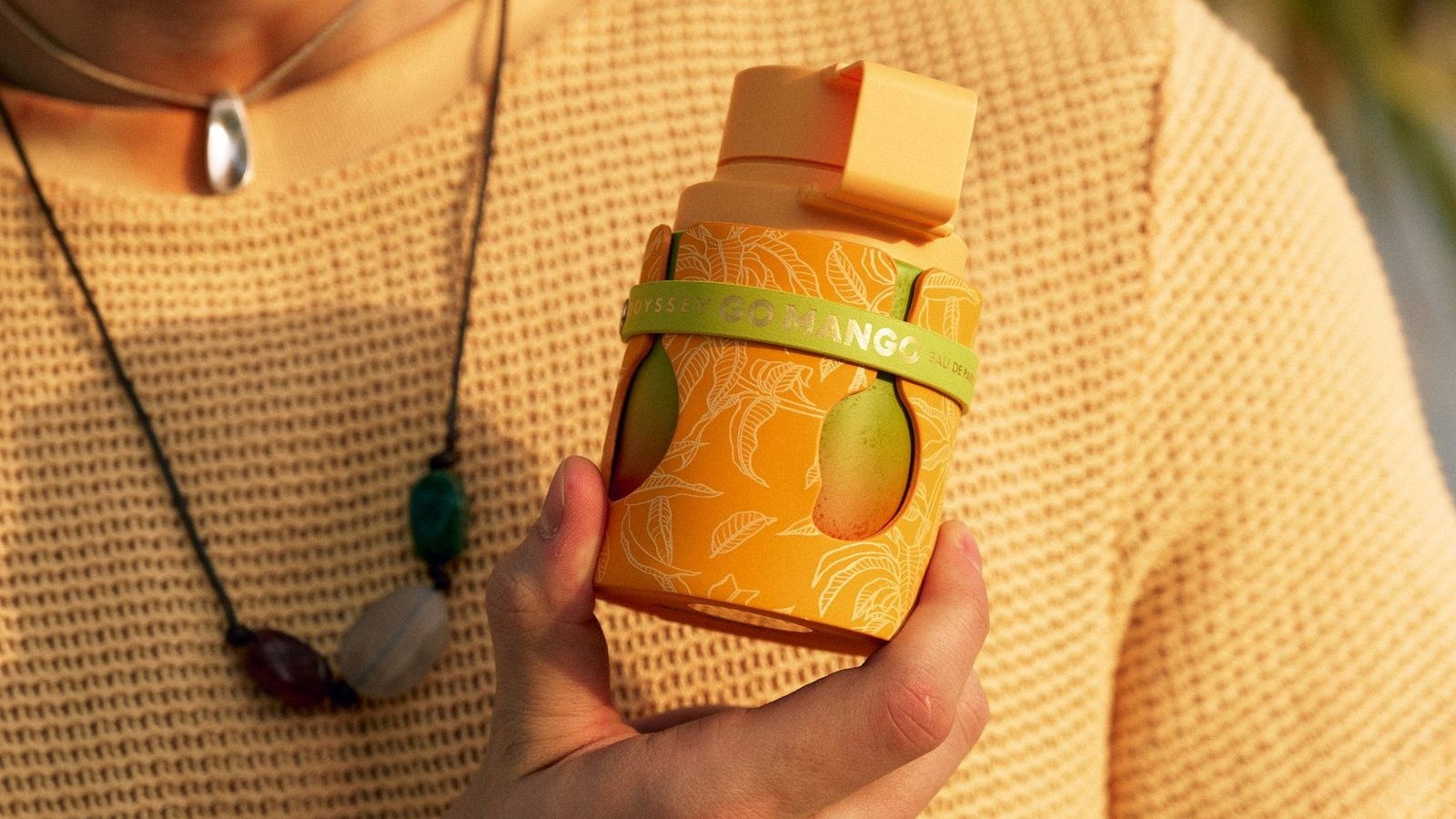
The main image is the first frame in the gallery and often the image shown in search results, category pages and marketplace listings. It should identify the product immediately. The item normally needs to be centred, clearly lit, correctly coloured and large enough in the frame to remain understandable on a phone screen. For many ecommerce platforms, the main image uses a clean white or neutral background. Marketplace requirements may also restrict text, props, borders, badges or additional objects. A creative campaign photograph can attract attention, but it should not replace a clear product view when customers still need to understand what they are buying.
Supporting Angles
Supporting angles explain three-dimensional form. Depending on the item, the set may include:
- Front view
- Three-quarter view
- Side view
- Back view
- Top or underside view
- Open and closed positions
Not every product needs every angle. The back of a simple perfume carton may add little information, while the back of an electronic device may show ports, controls and ventilation that matter to the buyer. Angles should remain consistent across similar SKUs. If one bag is photographed from the front and side while another includes a different diagonal view, the catalogue can feel disorganised even when each individual image is attractive.
Detail and Texture Images
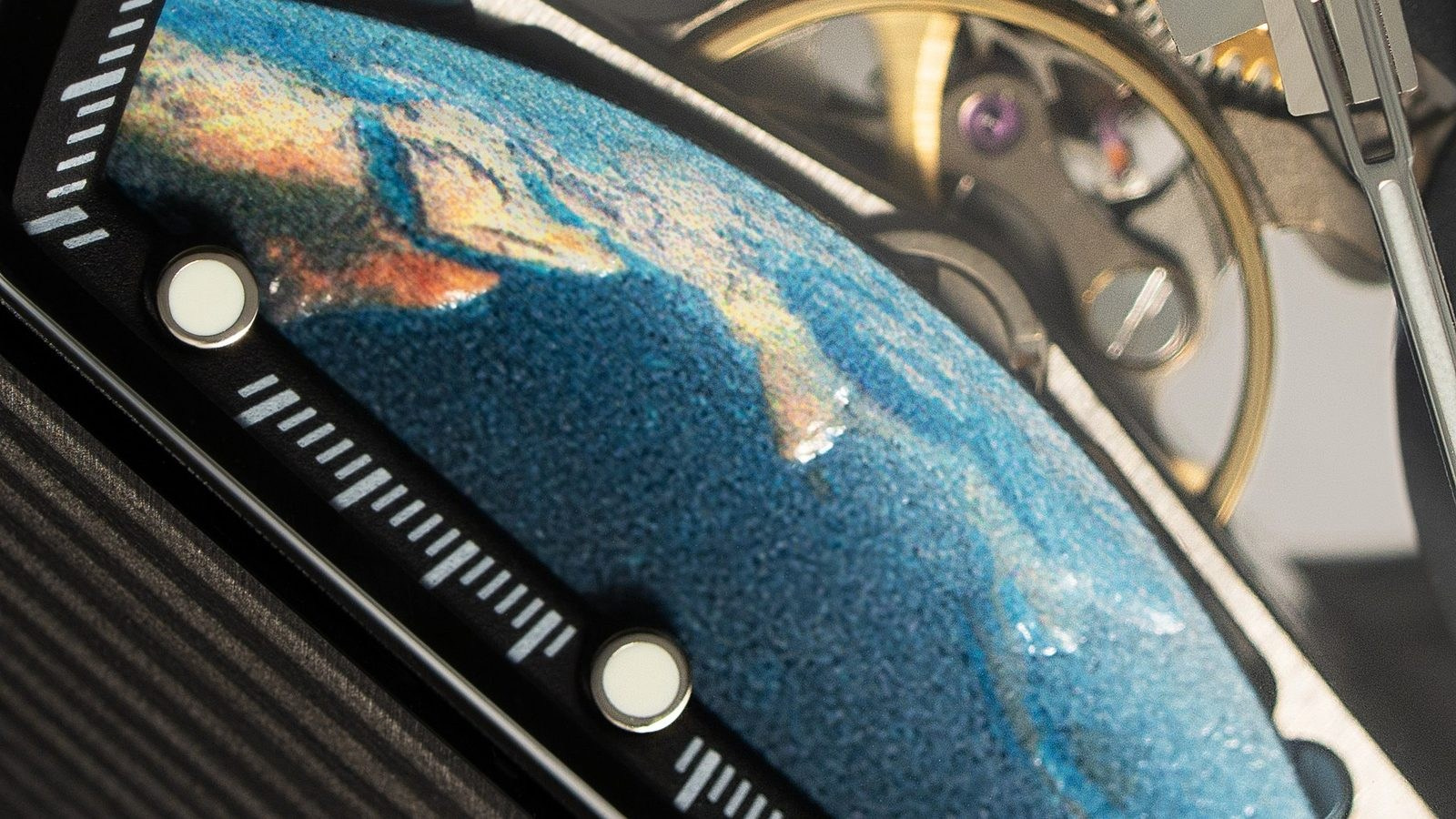
Detail images are important when value depends on workmanship, material or finish. They may show:
- Watch dial and crown
- Jewellery setting and gemstone detail
- Stitching, closures and hardware
- Cosmetic applicator or texture
- Controls and ports on an electronic product
- Surface finish on glass, metal or packaging
- Ingredient, care or specification labels
A close-up should reveal information that is not visible in the main frame. Simply cropping a general image may not provide the same sharpness, lighting or perspective as a detail photographed deliberately.
Scale and Context
Dimensions written in a description are useful, but many customers understand size faster through visual context. A scale image may show a product in a hand, on a model, beside a familiar object or inside the environment where it is used. Bags, jewellery, flowers, furniture, electronics and accessories often benefit from this type of frame. The comparison must be honest. Extreme perspective or an unusually small prop can make the product appear larger than it is and may increase returns or complaints.
Lifestyle Images
Lifestyle photography shows the product in use and helps communicate audience, mood and brand positioning. It can explain:
- How the item is worn or handled
- Where it is intended to be used
- Which other products complement it
- How large it feels in a real environment
- What type of customer or occasion it suits
Lifestyle content is especially valuable on a brand website, social channels and enhanced marketplace sections. It should support the factual product set rather than hide important features behind props or styling.

Feature and Demonstration Images
Some benefits are difficult to communicate with a standard angle. A feature image may demonstrate:
- Adjustable components
- Storage capacity
- Water resistance or protective construction
- Device interface
- Before-and-after use
- Product dimensions
- Assembly or installation
These frames may combine photography with restrained graphics, arrows or text. The claims and measurements must be supplied and approved by the brand; the photographer should not invent technical information.
Packaging and What Is Included
Customers should know exactly what they will receive. Packaging images are useful for gift sets, luxury products, electronics, subscriptions and products with several components. They can show the retail box, accessories, inserts, protective case and complete unboxed contents. If packaging changes frequently, decide whether it belongs in the permanent ecommerce set. An outdated box can create confusion even when the product itself remains unchanged.
How Product Type Changes the Image Count
Simple Packaged Products
A straightforward box or bottle may need a main view, several angles, a label or texture detail and one contextual image.
Luxury and Reflective Products
Watches, jewellery, perfume and polished objects often need additional close-ups because customers assess finishing, reflections, stones, dials, closures and packaging carefully.
Electronics
Electronic products may require ports, controls, screens, accessories, scale, interface and in-use views in addition to the main product angles.
Fashion Accessories
Bags, shoes and accessories often need front, side, back, interior, hardware, material and on-person scale images.
Products With Multiple Components
Kits and sets should show both the complete arrangement and each important component clearly.
Marketplace Page vs Brand Website
A marketplace listing and a brand website may use the same core photography, but their requirements are not identical. Marketplace galleries usually prioritise clarity, compliance and comparison. The main image may need a specific background and product occupancy, while additional images can explain features and use. A brand website has more freedom to combine clean product images with campaign, lifestyle and editorial content. It may also require wide banners or images with space for text. Plan both uses before the shoot. A single tight horizontal composition cannot always be cropped effectively into a square marketplace frame, a vertical social asset and a wide website banner.
Mobile Viewing Changes the Decision
Many customers browse on a small screen. Fine details that look clear on a desktop may disappear in a mobile gallery. Review the planned image set at phone size. Important features may need dedicated close-ups rather than relying on users to zoom into a wide frame. The first several gallery images deserve particular attention because some visitors will not reach the final frames.
Colour and Size Variations
Variations should be planned as a system. For colour variants, decide whether every version needs a complete image set or whether some supporting photographs can be shared. A shared lifestyle image is acceptable only when it does not misrepresent the selected colour, finish or feature. Size variants may use the same core photography when proportions and details remain identical. If the scale, capacity, layout or included components change, additional images may be necessary. Create a clear SKU matrix before the shoot so no variant is overlooked and unnecessary duplicate work is avoided.
Consistency Across a Catalogue
For a large catalogue, consistency is as important as the number of images. Define a repeatable standard for:
- Image order
- Camera angle
- Product scale in the frame
- Background colour
- Shadow style
- Crop and aspect ratio
- Colour management
- File naming
A customer should be able to move between products without relearning the gallery structure.
Plan the Image Order
The order should follow the customer journey. A practical sequence is:
- Clear main image
- Strong three-quarter or alternative angle
- Most important detail or feature
- Scale or in-use image
- Additional angles
- Packaging and included components
- Secondary lifestyle or brand image
The strongest informative images should appear early. Do not place five similar front views before showing the interior, scale or feature that may decide the purchase.
When Product Video Adds More Value
Some information is better shown through motion. Short product video can demonstrate rotation, opening, fabric movement, interface navigation, application, mechanism or scale. It should not replace essential still images, because photographs remain easier to scan and compare. A combined shoot can be efficient when both formats share the same product preparation, set and lighting plan. The video requirements should still be defined in advance because movement, camera support and aspect ratios may differ.
How to Build the Shot List
Create one row for each SKU and one column for each required image type. Include:
- SKU and product name
- Main angle
- Supporting angles
- Mandatory details
- Scale or model requirement
- Feature demonstration
- Packaging and contents
- Colour variations
- Marketplace or website format
- Priority and approval status
This document helps the photographer quote accurately and allows the client to confirm that the final delivery is complete.
Common Mistakes
Using the Same Number for Every Product
A simple bottle and a technical device do not require the same coverage.
Repeating Similar Angles
More images do not help when they provide no new information.
Hiding Important Details Until the End
Customers may leave before reaching the most useful frame.
Ignoring Mobile
Wide compositions and small details may be ineffective on a phone.
Photographing Variants Without a Matrix
Missing colours and inconsistent views create expensive reshoots.
Planning Crops After Production
Not every image can be adapted successfully to every aspect ratio.
Frequently Asked Questions
Is one product image enough?
Only for very simple or low-consideration items. Most products benefit from multiple views that explain form, detail, scale and use.
Should every SKU have the same number of images?
Not necessarily. The gallery structure should be consistent, but complex products may need additional informative views.
Do all colour variants need separate photography?
The selected colour must be represented accurately. Some supporting images can occasionally be shared, but they must not mislead the customer.
Should lifestyle images appear on marketplaces?
They can be valuable as additional images when permitted, while the main image should follow the platform’s current requirements.
Can video replace product photographs?
No. Video adds motion and demonstration, while still images remain essential for quick comparison, detail and marketplace use.
Conclusion
The best ecommerce image set is not the largest one. It is the smallest complete set that answers the customer’s important questions and presents every SKU consistently. Start with a clear main image, add only the angles and details that provide new information, then use scale, lifestyle, features and packaging where they support the purchase decision. Planning the gallery before production improves the quotation, reduces missing assets and creates content that can work across marketplaces, websites and social channels.
Planning Ecommerce Product Photography in the UAE?
GSP Media provides product photography and video production for ecommerce brands, retailers and agencies in Dubai and across the UAE. We can help define a repeatable image standard, build the shot list and produce clean product, detail and lifestyle content for your sales channels.
Blog

What Affects the Cost of Professional Live Streaming in Dubai?

How to Plan Photography and Video for a New Fashion Collection

How Product Photography Pricing Is Calculated

What Should Be Included in a Video Podcast Production Quote?


How Many Short Videos Can You Create From One Video Podcast?
Ecommerce Fashion Photography vs Campaign Photography

Product Photography vs Product Videography: What Does Your Brand Need?

How to Prepare Clothing for an Ecommerce Fashion Photoshoot
White Background vs Lifestyle Product Photography
Ecommerce Fashion Photography: Model, Mannequin or Flat Lay?
How to Prepare Products for a Commercial Photoshoot

Corporate Podcast vs Video Interview: Which Format Is Right for Your Business?

How to Prepare a Corporate Event Photography and Video Brief
