
A reliable livestream begins with the venue, not the camera. Even an experienced production team can struggle if the internet connection is shared with guests, the control position has no clear view of the stage, the audio feed is unavailable or there is not enough time to test the complete system.
Venue preparation is therefore part of the production itself. It connects the event organiser, venue, AV supplier and livestream team before viewers join. The objective is to identify technical restrictions early, agree who is responsible for each connection and create enough time to solve problems without delaying the programme.
This guide explains how businesses and event organisers can prepare a venue for professional live streaming in Dubai and across the UAE, from the first site survey to the final technical rehearsal.
What You Will Learn
- Which information the production team needs before visiting the venue
- How to plan internet, power and backup connectivity
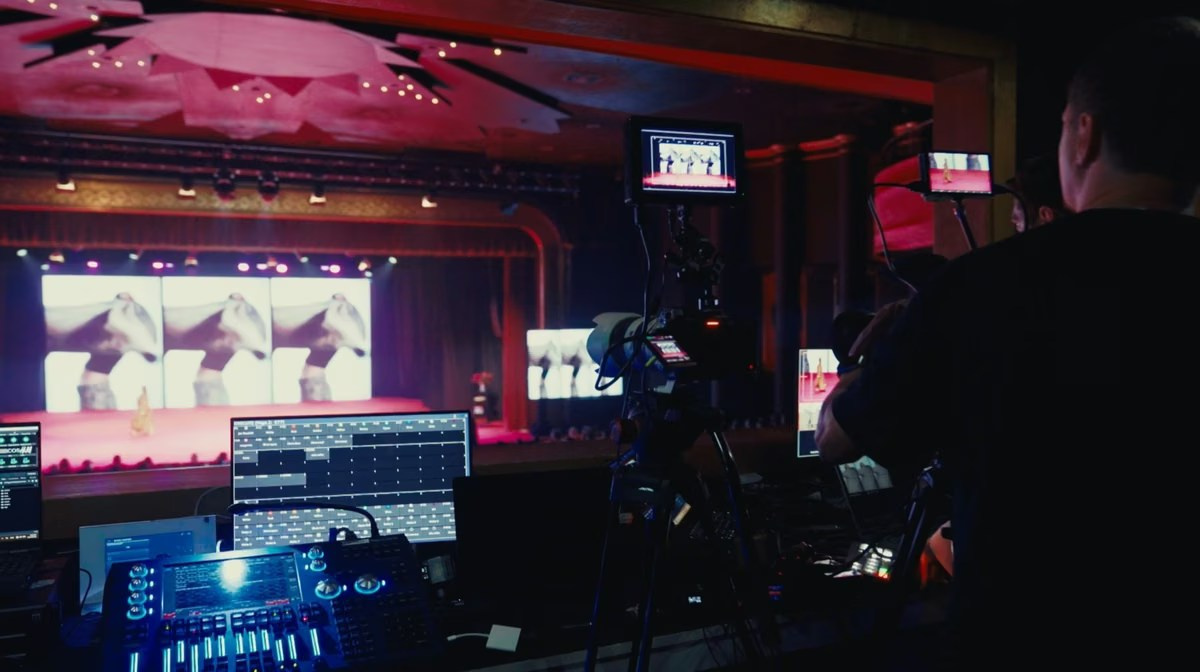
- Where cameras and the production control position should be placed
- How venue audio, presentations and LED screens are integrated
- Why cable routes, access and safety must be agreed in advance
- What should be tested during the technical rehearsal
- Which final checks should be completed before going live
The Short Answer
Prepare the venue as one connected broadcast environment. Confirm a stable wired internet connection, backup connectivity, dedicated power, camera sight lines, an audio feed, presentation outputs, a secure production area and safe cable routes. Then test the complete signal chain with the actual platform, slides, microphones and remote speakers before the audience arrives.
A speed test alone is not a venue test. A professional survey should examine where equipment will stand, how signals will travel, who controls the sound and presentations, and what happens if a primary system fails.
Start With a Technical Site Survey
A site survey is strongly recommended for conferences, hybrid events, multi-camera broadcasts and any stream that is business-critical. It allows the production company to inspect the venue under real conditions instead of designing the setup from photographs alone.
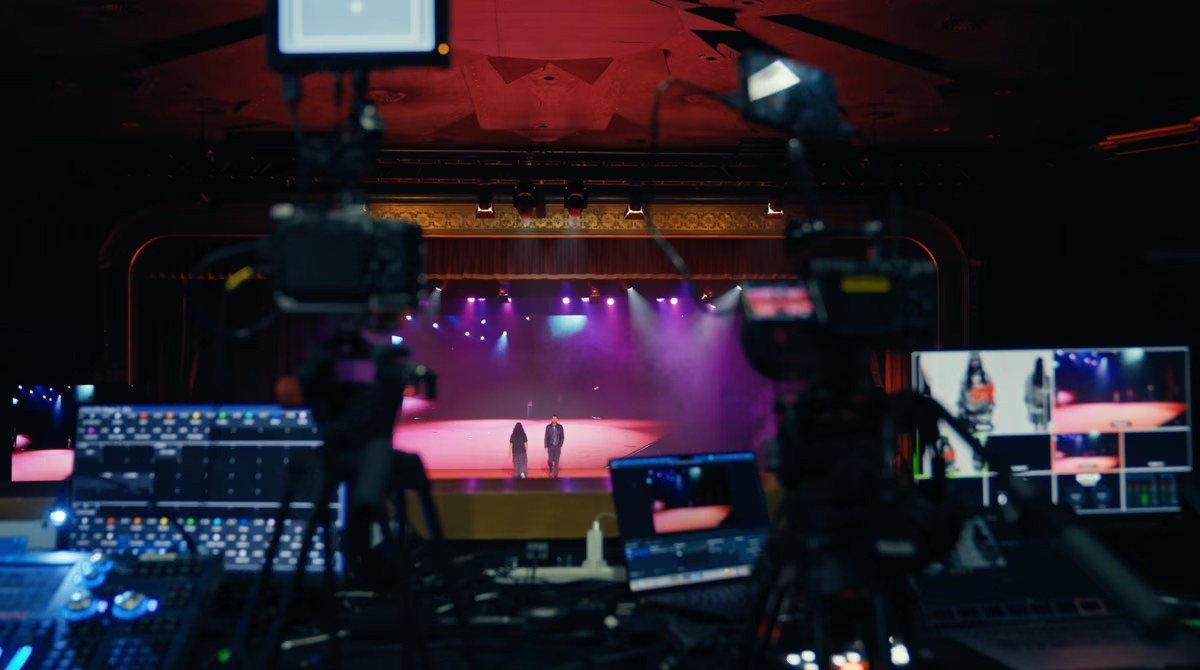
During the visit, the team should review the stage, audience layout, control room, internet point, power outlets, venue sound system, LED screens, loading access and cable distances. It should also identify restrictions on tripods, platforms, lighting and equipment placement.
If an in-person visit is not practical, provide a detailed floor plan, current photographs, technical specifications and a call with the venue AV manager. Events in Abu Dhabi, Sharjah, Ras Al Khaimah or other emirates can follow the same preparation process, with travel and earlier load-in included in the schedule.
Share the Operational Agenda and Floor Plan
The public agenda rarely contains enough information for production. The livestream team needs the operational version showing rehearsals, doors opening, speaker arrivals, breaks, room changes, remote connections and any sessions that run at the same time.
Mark the stage, audience, entrances, screens, audio desk, proposed camera positions and production area on the floor plan. Include the contact details of the organiser, venue manager, AV lead and person authorised to approve changes on-site. Clear ownership prevents several suppliers from assuming that someone else is providing an essential connection.
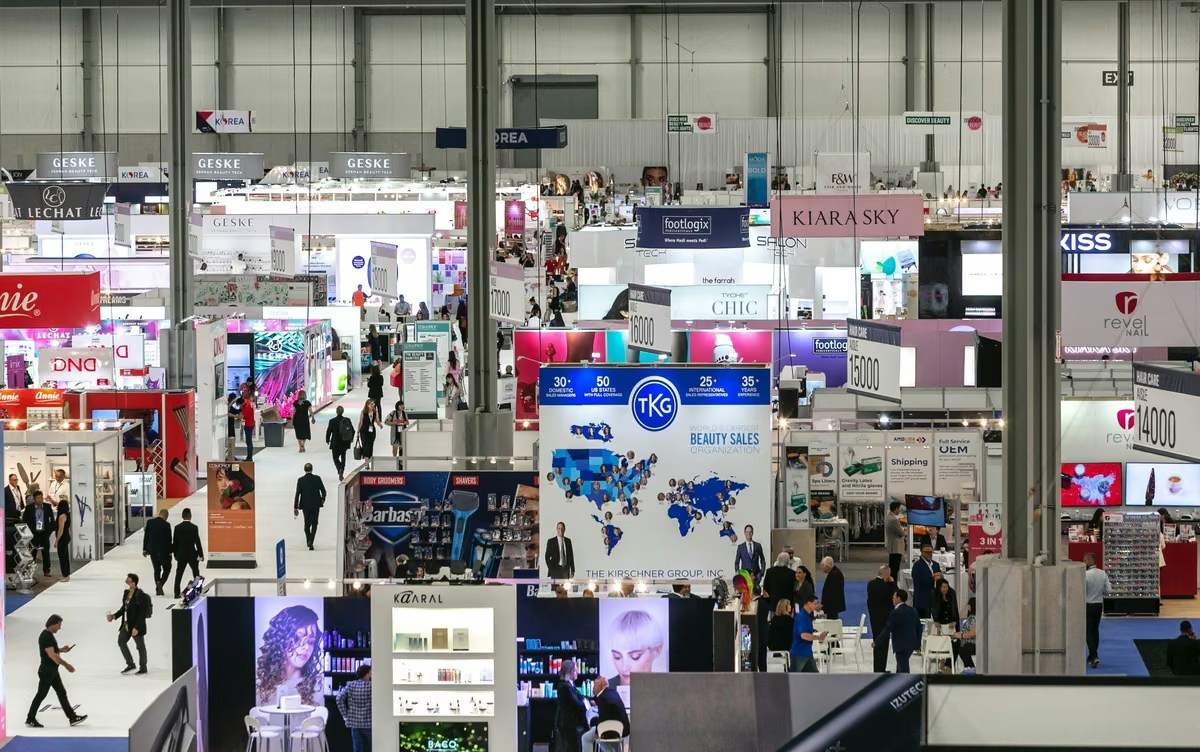
Prepare a Dedicated Internet Connection
Live streaming depends on upload performance. The connection advertised by a venue may be fast for ordinary browsing but unsuitable for a continuous broadcast, especially when it is shared with guests, exhibitors or other events.
Whenever possible, the encoder should use a dedicated wired connection. The production team should test it from the exact position where the streaming equipment will operate and confirm:
- Sustained upload speed rather than one peak result
- Connection stability over an extended test
- Whether bandwidth is dedicated or shared
- Network login, firewall and port restrictions
- Who can provide technical support during the event
- Whether the service remains active throughout setup and breakdown
The planned stream should use only part of the available upload capacity. This safety margin helps the connection absorb normal fluctuations without forcing the encoder to drop frames or reduce quality.
Do Not Rely on Guest Wi-Fi
Guest Wi-Fi is designed for attendee access, not for a business-critical broadcast. Performance can change dramatically when hundreds of devices connect. A test completed in an empty ballroom may not represent conditions during the keynote.
If the venue cannot provide a suitable wired line, discuss a dedicated event connection early. Installing or activating a service may require approval, advance notice and additional venue coordination.
Plan Backup Connectivity
A backup connection should be independent from the primary route where possible. Two network sockets that ultimately use the same venue line do not provide meaningful protection.
Depending on the location and broadcast requirements, the backup may use a second provider, bonded mobile networks or another managed failover solution. Mobile coverage should be tested inside the actual room because walls, underground spaces and crowded venues can affect signal quality.
Backup connectivity reduces risk, but it is not a substitute for a stable primary line. The team should agree how failover works, how quickly it can activate and whether the platform will maintain the same viewing link.
Confirm Power and Equipment Space
The production area may include a video switcher, encoder, monitors, audio equipment, laptops, recorders and network hardware. Confirm enough power outlets, safe distribution and circuits that will not be switched off by venue staff during the event.
For important broadcasts, selected devices may need battery or uninterruptible power protection. The production company should determine which systems must remain active long enough to preserve the stream or recording during a brief interruption.
The control position also needs a stable table, ventilation, working light, a clear view of the stage and protection from public interference. Avoid placing it in a corridor where guests can touch cables or where catering staff need to pass continuously.
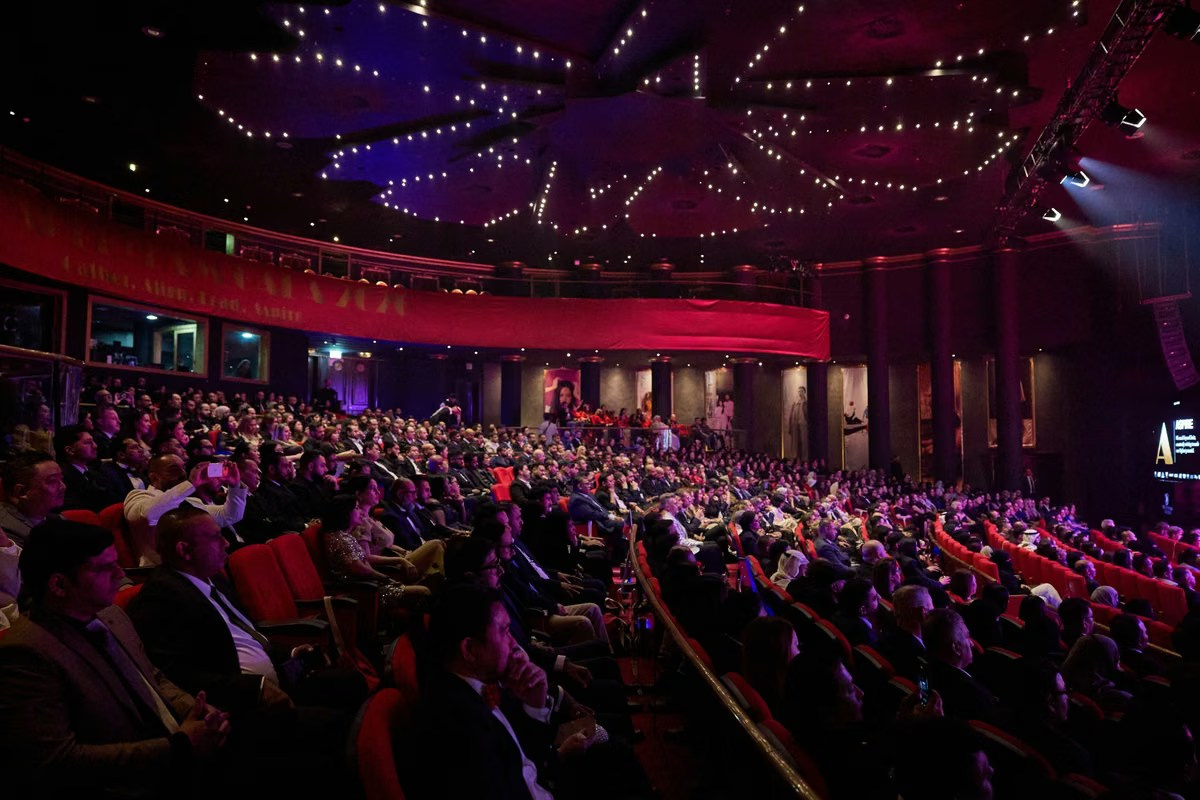
Plan Camera Positions and Sight Lines
Camera placement should be agreed before seating, staging and branding are finalised. Each camera needs a useful angle without blocking the audience or creating an unsafe obstruction.
A typical corporate setup may include a wide stage camera, a closer angle for speakers and panels, and an additional view of the audience or demonstration area. The exact arrangement depends on the programme, not simply the number of guests.
Check whether:
- Speakers will remain at a lectern or move across the stage
- Panelists can be seen without microphones or furniture covering their faces
- Presentation screens remain readable from the selected angles
- Guests, security staff or photographers may regularly cross the frame
- Tripods require platforms or protected positions
- Doors, aisles and emergency routes remain clear
- Parallel rooms need separate cameras and operators
Long camera distances may require different lenses and signal cabling. Very close positions can restrict framing and make operator movement distracting. A floor plan helps, but final sight lines should be checked from the installed stage.
Coordinate With the Venue Audio Team
Clear speech is more important to most online viewers than cinematic camera movement. The livestream team should speak directly with the venue AV provider and confirm the audio connection before the event day.
Share the final microphone list, including lectern, handheld, lapel and panel microphones. Include audience questions, videos with sound, interpreters and remote speakers. A feed that contains the stage microphones but not the roaming audience microphone will create an incomplete broadcast.
The production team should test the actual output it will receive. Sound can be clear in the room while the recording feed is distorted, too quiet or routed incorrectly. Important events should also have a separate local audio recording or another suitable backup path.
Provide Presentations as Direct Sources
Filming an LED screen from a camera is rarely the clearest way to show detailed slides. The production system should normally receive the presentation as a direct video source so the director can display it full-screen, beside the speaker or inside a branded layout.
Confirm which laptop will play the presentation, which output format is available, whether embedded videos contain audio and who controls playback. Test the final files rather than a temporary version. Last-minute laptop or slide changes can introduce resolution, adapter and sound problems.
If presenters use confidence monitors, timers or notes, include them in the technical plan. These systems may require additional outputs and should not compete with the broadcast feed.
Balance Stage Lighting and Screens
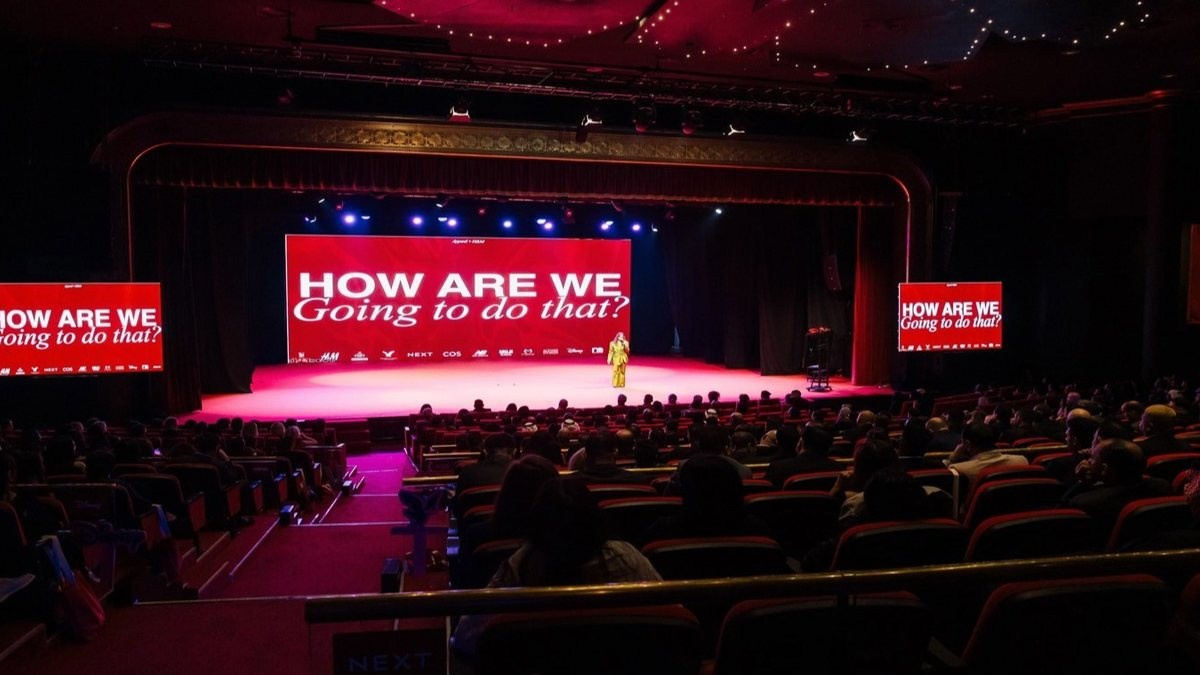
Stage lighting should be evaluated for cameras, not only for the audience in the room. A speaker may look correctly lit in person while appearing too dark beside a bright LED wall. Coloured lighting can also create unnatural skin tones, and some screens or fixtures may flicker on camera.
The venue AV team and livestream crew should test the stage together. Useful adjustments may include reducing screen brightness, adding controlled front light, changing colour settings or synchronising camera and LED parameters.
Avoid major lighting changes after the rehearsal. If the programme includes performances, product demonstrations or audience interaction, test those conditions as well as the standard keynote look.
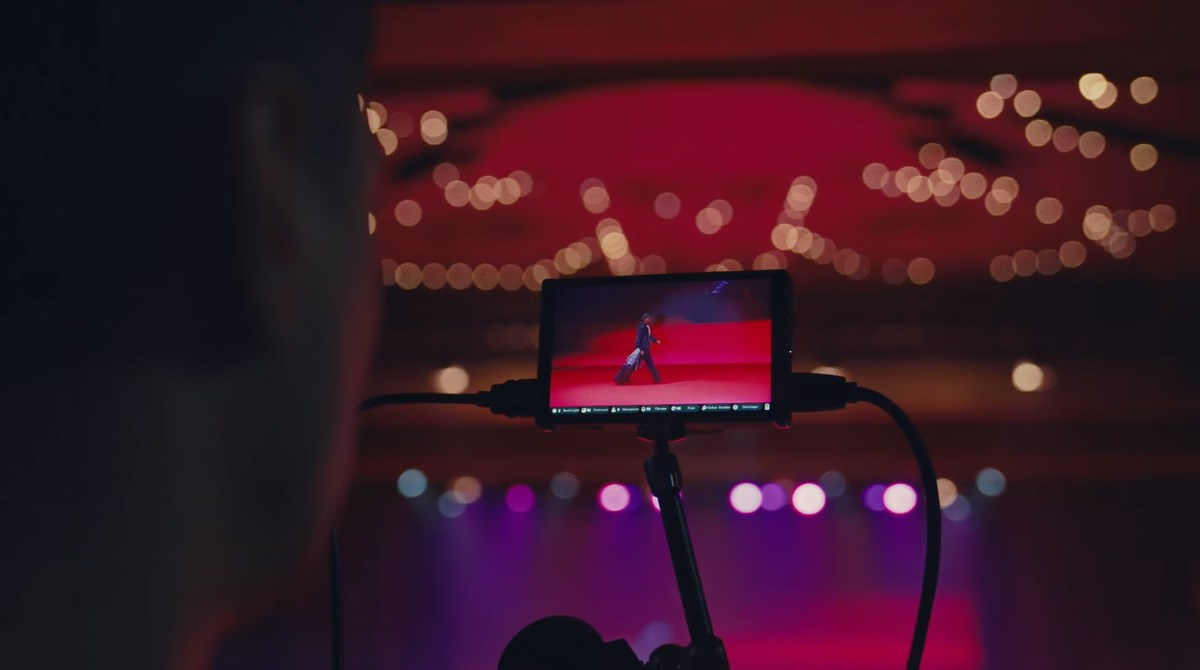
Agree Safe Cable Routes
Multi-camera production may require video, audio, power and network cables between the stage, cameras and control position. Measure the routes during the survey and confirm where cables may cross doors, aisles or public areas. Use approved ramps, covers or secured overhead routes without obstructing emergency exits. Ask whether the venue safety team must approve the installation.
Prepare Remote Speakers and Hybrid Sessions
Remote contributors need more than a meeting link. The production must bring their picture and sound into the broadcast, provide an appropriate return feed and prevent echo. Confirm the platform, joining instructions, presentation responsibilities and a private communication method.
Each speaker should complete a technical check using the same device, microphone, connection and room planned for the event. Test their interaction with the moderator and venue sound system at realistic levels.
Confirm Platform, Access and Privacy
Select the destination before finalising the workflow. YouTube, LinkedIn, Zoom, Microsoft Teams and private platforms have different requirements for access, moderation, remote speakers and recording. Decide whether the stream is public, unlisted, registered or restricted.
Provide credentials securely and nominate the person responsible for approvals, comments and viewer access. Test account login and verification before the rehearsal because corporate security policies can block last-minute access.
Run a Complete Technical Rehearsal
A proper rehearsal tests the complete path from microphone and camera to the viewer’s device. It should include:
- Every camera and planned angle
- All stage and audience microphones
- The final presentation and embedded videos
- Speaker names, titles and holding graphics
- Remote contributors and return audio
- The real platform and privacy settings
- Primary internet and the backup procedure
- Local video and audio recording
Use actual programme elements whenever possible. A static slide does not prove that an embedded video will play with sound, and one lectern microphone does not confirm that a panel and audience Q& A are routed correctly.
After the rehearsal, record the approved settings and responsibilities. Uncontrolled changes to laptops, audio routing, stage layout or network access can invalidate the test.
Allow Enough Time for Load-In
The schedule must include security access, cable installation, camera setup, audio connection, graphics checks, rehearsal and a final reset before doors open. Large hotels, exhibition venues and government locations may require advance crew lists, equipment declarations or restricted loading windows, particularly for early events in Dubai, Abu Dhabi or another emirate.
Venue Readiness Checklist
- Operational agenda, floor plan and contacts shared
- Dedicated wired upload and independent backup tested
- Power, control area and camera positions approved
- Audio output and microphone list confirmed
- Presentations, videos, lighting and LED screens tested
- Cable routes approved and made safe
- Remote speakers rehearsed
- Platform access and privacy verified
- Local recordings enabled
- Load-in, rehearsal and doors-open timings agreed
Common Venue Preparation Mistakes
Testing Only Internet Speed
One result does not show long-term stability, network restrictions or performance when the venue is full.
Assuming the Venue AV Team Supplies Everything
Define responsibility for each microphone feed, adapter, presentation output, cable route and internet service.
Placing Cameras After Seating Is Final
Late positions may block guests, produce poor angles or conflict with safety routes.
Skipping the Full Rehearsal
Individual devices can work while the complete system fails because signals are routed incorrectly.
Frequently Asked Questions
How early should a venue be prepared?
It depends on the production size and access. Multi-camera and hybrid events require enough time for installation and a complete rehearsal before guests arrive.
Is venue Wi-Fi enough?
Guest Wi-Fi is rarely the preferred primary connection. A dedicated wired upload line offers more control and should be tested from the production position.
Does every event need a site visit?
Not every simple stream does, but a visit is valuable for unfamiliar venues, important broadcasts, complex audio, several rooms or restricted access.
Can the livestream be recorded locally?
Yes, and local recording is usually recommended. Confirm whether you need only the programme output or also separate cameras and audio sources.
Conclusion
Preparing a venue for professional live streaming means treating internet, cameras, audio, presentations, lighting, power and access as one production system. Most serious problems are easier to solve before the event day.
A detailed survey, clear responsibilities and a full technical rehearsal give the team the best opportunity to deliver a stable broadcast while the on-site programme continues naturally.
Planning a Live-Streamed Event in the UAE?
GSP Media provides professional live streaming and corporate event production in Dubai and across the UAE. Our team can assess the venue, coordinate with the AV supplier and manage cameras, audio, presentations, graphics, remote speakers, streaming and local recording as one workflow.
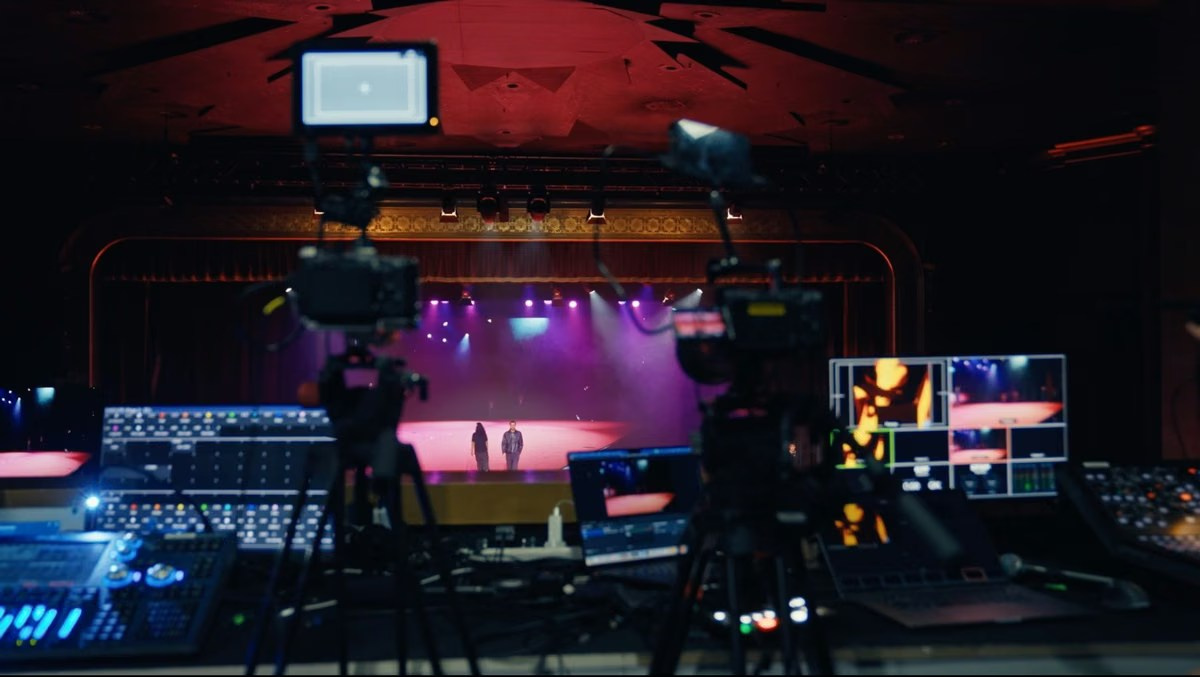
How Multi-Camera Live Streaming Works

How Multi-Camera Video Podcast Production Works
How Many Cameras Does a Corporate Event Need?
How to Prepare a CEO or Executive for a Video Interview

Why Backup Internet Is Essential for Event Live Streaming

What Affects Corporate Event Photography and Video Costs?
Event Photography vs Videography: What Does Your Event Need?
Video Podcast Production in Dubai: Complete Business Guide
Professional Event Live Streaming: How It Works

Corporate Event Photo & Video Company Dubai: How to Choose
What Should Be Included in a Corporate Event Photography and Video Quote?

Event Highlight Video vs Full Event Recording: What Is the Difference?

Public vs Private Live Streaming for Corporate Events

Live Streaming vs Recording an Event: Which Should You Choose?
