
Multi-camera video podcast production records a conversation from several coordinated angles so the finished episode can move naturally between the host, guests and the complete set. The result may look effortless, but every angle, microphone and lighting position must be planned as part of one system.
Simply placing several cameras in a room is not enough. The cameras must match in colour and exposure, participants need consistent eyelines, audio must be recorded separately and every file must remain synchronised. The team must also decide whether to switch cameras live or select the angles during editing.
For businesses, this workflow creates more than a polished full episode. A well-planned recording can also provide individual speaker clips, vertical social videos and clean extracts for LinkedIn, YouTube and other channels.
This guide explains how professional multi-camera video podcast production works and what needs to be prepared before recording in Dubai or elsewhere in the UAE.
What You Will Learn
- Why video podcasts use several camera angles
- Which role each camera performs
- How cameras and audio remain synchronised
- Why sound quality is more important than camera count
- How live switching differs from editing after recording
- What happens during multi-camera post-production
- How to plan vertical clips and other deliverables
The Short Answer
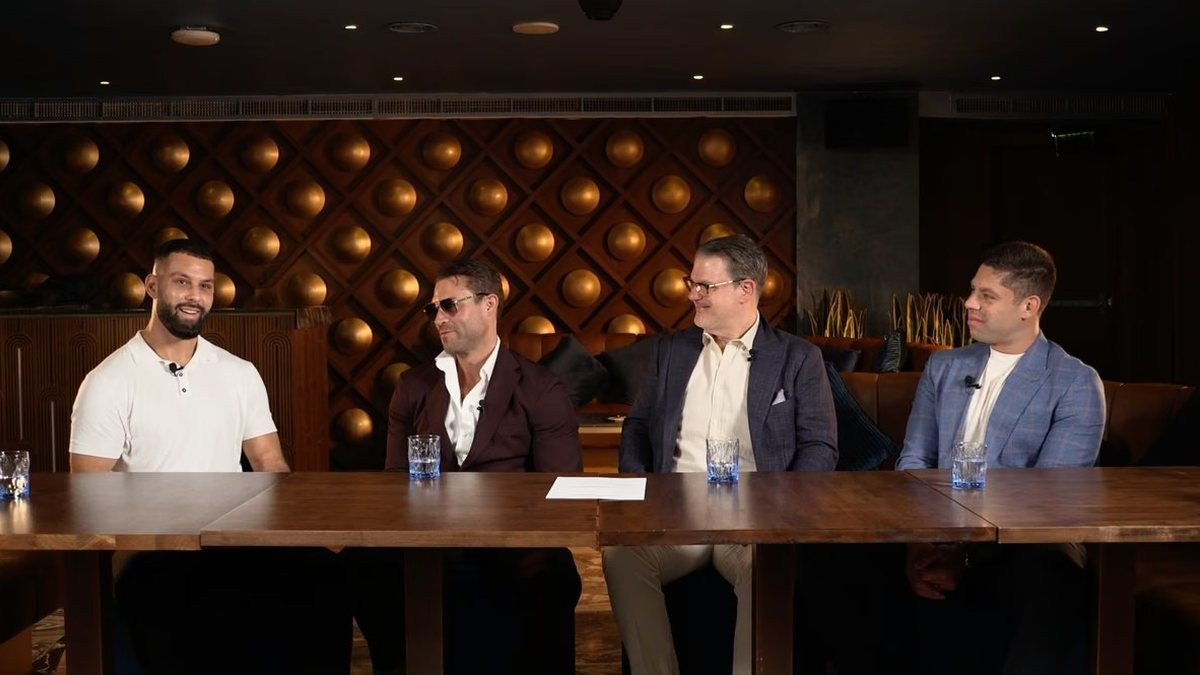
A typical two-person video podcast uses three cameras: one close shot for the host, one for the guest and one wide shot showing both participants. Each person has an individual microphone, and all camera and audio files are recorded at the same time.
After the session, an editor synchronises the material and chooses the best angle for each part of the conversation. Some productions also create a live-switched programme during recording, while retaining the individual camera files for corrections and additional edits.
The correct setup is not defined by a fixed camera number. It depends on the participants, set, content and final deliverables.
Why Use Multiple Cameras?
A conversation includes speaking, listening, reactions and occasional interruptions. A single wide camera can document the exchange, but it rarely produces an engaging long-form programme.
Multiple angles allow the edit to follow the discussion. They also help remove pauses, repeated sentences and small interruptions without creating obvious visual jumps. If one participant blocks a shot or looks away, the editor can use another camera.
More cameras do not automatically create a better podcast. Every angle should solve a coverage problem or support a defined deliverable.
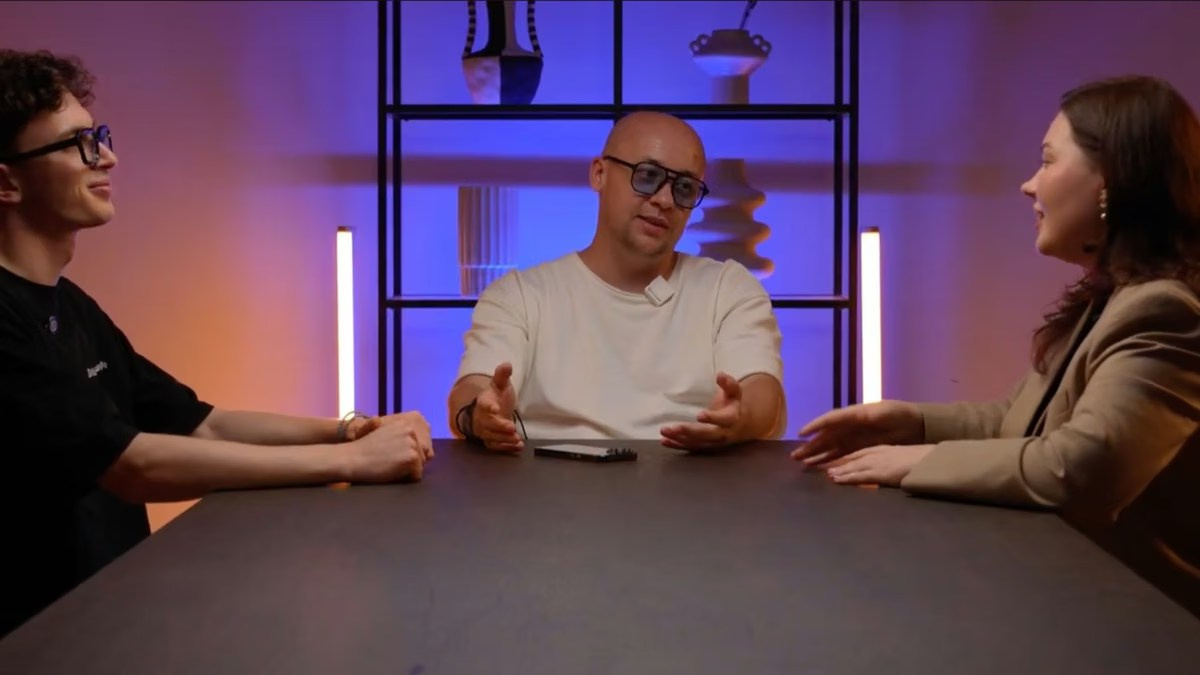
Typical Camera Roles
The most reliable layouts give each camera a clear responsibility. A two-person production commonly uses the following arrangement.
Host Camera
The host camera provides a clean medium or close shot of the person leading the conversation. It should leave space in the direction the host is looking and remain useful when the host listens or reacts.
Guest Camera
The guest camera performs the same role from the opposite side. Its framing, lens choice, exposure and background treatment should feel compatible with the host shot. Perfect symmetry is unnecessary, but the angles should belong to the same visual world.
Wide Two-Shot
The wide camera shows the relationship between participants and establishes the set. It is valuable during the opening, conclusion, overlapping conversation and moments involving objects or gestures on the table. It also provides a safe angle when neither close shot is suitable.
Additional Cameras
An extra angle may be useful for a roundtable, co-host or product demonstration. Adding a dedicated camera for every person is not always practical because the room must still accommodate tripods, operators and clear sightlines.
How Many Cameras Does a Podcast Need?
A solo presentation may use one main camera and one secondary angle. For one host and one guest, three cameras normally provide strong editing flexibility. A three- or four-person roundtable may use three, four or more cameras depending on the seating and required individual coverage.
The decision should consider:
- Number of participants and seating arrangement
- Available room depth
- Product demonstrations or supporting materials
- Desired editing pace
- Need for vertical crops
- Whether the programme will be live-streamed
- Available crew and setup time
A production company should be able to explain what each proposed camera contributes.
Camera Placement, Eyelines and Continuity
Participants should appear to look towards each other when the programme cuts between close shots. This requires the cameras to remain on compatible sides of the conversational line.
If a camera crosses that line without a deliberate reason, both people may appear to look in the same direction. The viewer may not identify the problem consciously, but the conversation feels spatially confusing.
Camera height and lens choice also affect facial perspective, background separation and how much of the set is visible. Angles placed too low or high can feel unnatural, especially during executive interviews.
Continuity includes the set. Water levels, notes and movable objects can change during breaks. When several episodes are recorded in one day, the team should photograph the set and reset important details before each session.
How Cameras Stay Synchronised
Every camera and audio recorder creates a separate file. Productions may use timecode, a synchronisation device, a visible clap or recorded audio waveforms to keep those files aligned.
Camera audio is useful for synchronisation and backup, but the final programme should normally use the dedicated microphone recordings.
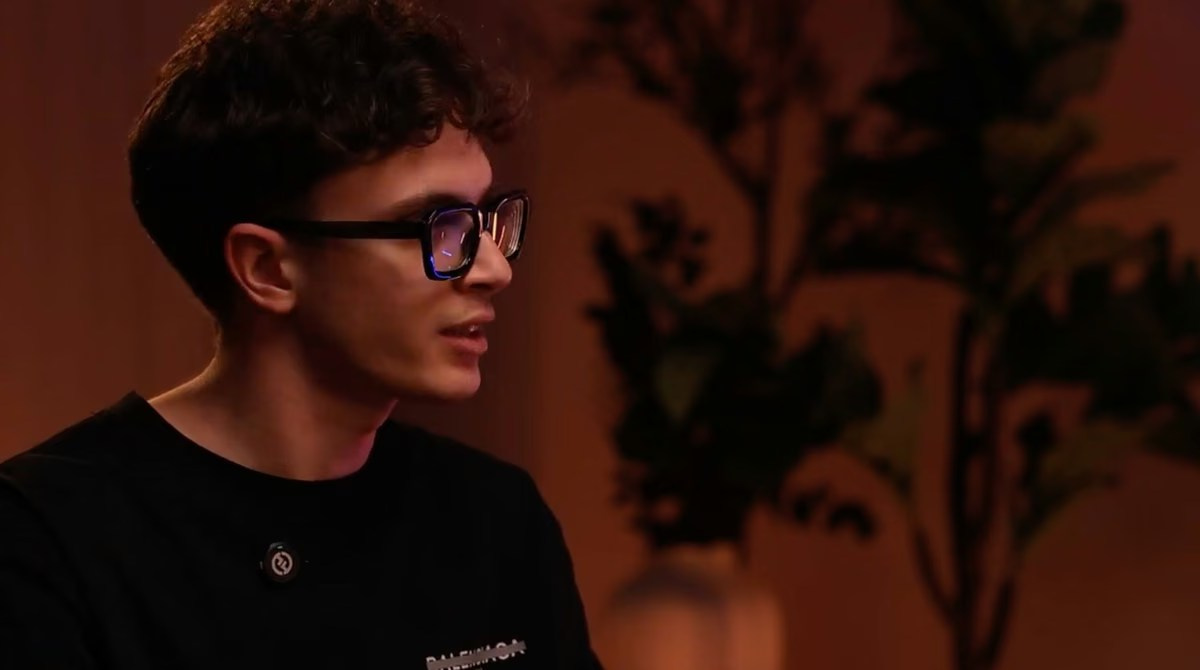
Professional Audio Is the Priority
A multi-camera podcast can survive a simple visual setup. It cannot comfortably survive unclear speech. Echo, clothing noise or inconsistent volume quickly becomes tiring.
Each participant should normally have an individual microphone recorded to a separate channel. This allows the editor to adjust levels independently, reduce noise and manage moments when people speak at the same time.
Common options include visible broadcast microphones, lavalier microphones and directional microphones positioned outside the frame. Broadcast microphones create a recognisable podcast look. Lavalier microphones keep the table clear but can capture fabric movement. The choice depends on the room, clothing and desired visual style.
The team should monitor sound throughout the session and maintain a backup path where practical. Air conditioning, nearby construction, jewellery and phones can create problems that are difficult to remove completely in post-production.
Room Acoustics Affect Every Microphone
A visually impressive office can be a poor recording space. Glass walls, stone floors and large empty surfaces reflect speech, creating echo.
Soft furniture, curtains, carpets and temporary sound absorption help control reflections. Mechanical systems, lifts, traffic and activity nearby should be checked at the time the podcast will actually be recorded.
Lighting and Set Design Across Several Angles
Lighting must work for every camera, not only for the wide shot. A light that flatters the host may appear in the guest camera or create reflections in glasses from another direction.
The team checks skin tones, reflections, separation from the background, exposure consistency and space for horizontal and vertical framing. Backgrounds should support the conversation without becoming distracting. Subtle brand colours, relevant objects and controlled practical lights can create identity without turning every angle into an advertisement.
Live Switching vs Editing After Recording
Editing the Angles Later
Each camera records independently. The editor synchronises the files and selects every angle in post-production. This provides maximum control over timing, reactions, corrections and platform-specific versions.
Live Switching During Recording
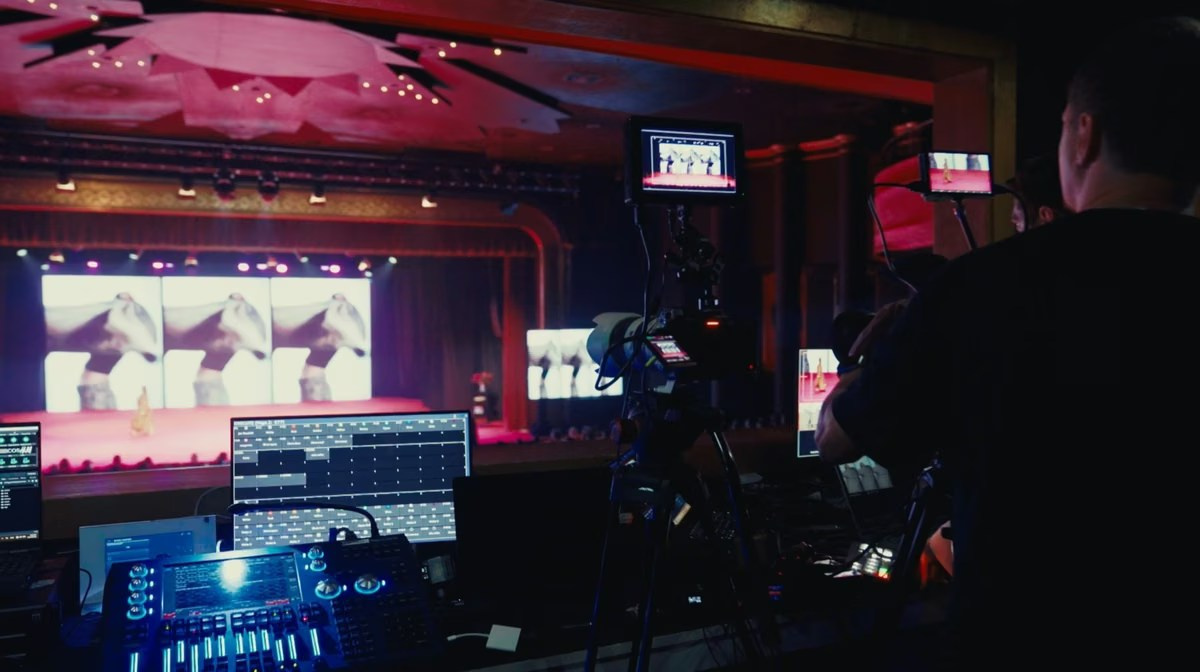
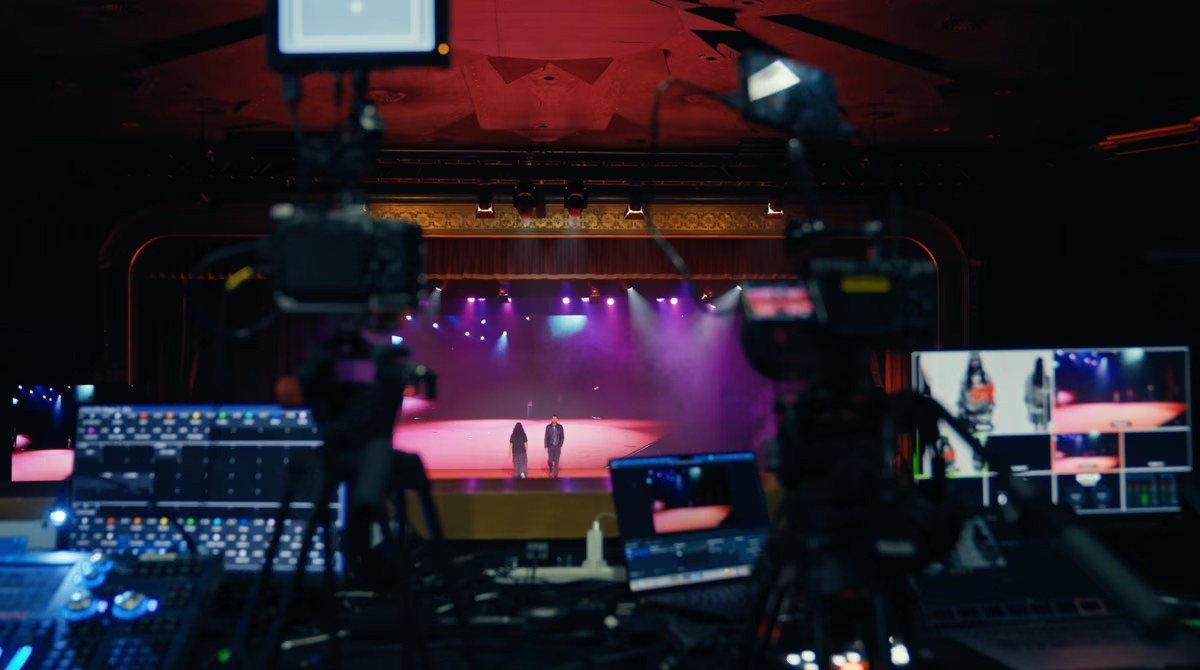
The camera feeds are connected to a video switcher. A director watches them on a multiview display and selects the programme angle while the conversation happens.
Live switching accelerates delivery and is essential when the podcast is streamed live. However, real-time decisions cannot predict every interruption. Professional productions therefore often record the individual cameras as well as the switched programme.
These isolated recordings allow the editor to repair a missed cut, create vertical clips or build a more refined episode. Live switching does not eliminate post-production: the programme may still require audio mixing, colour work, graphics, subtitles and exports.
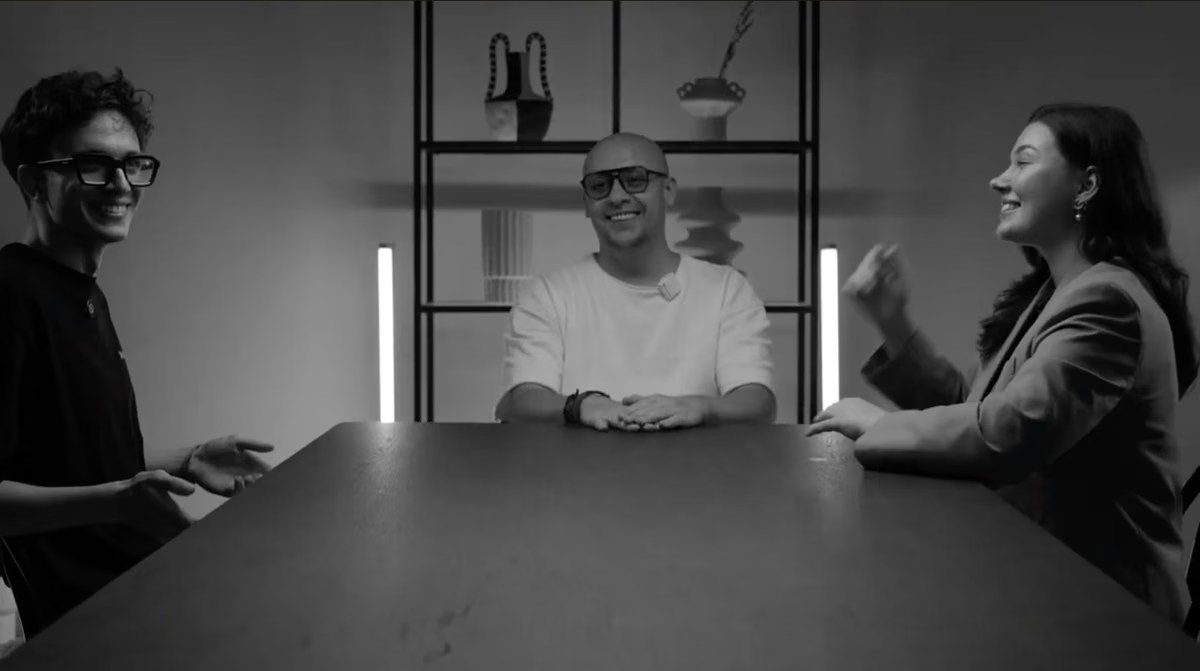
What Happens in Multi-Camera Post-Production?
The editor organises and backs up the camera and audio files, synchronises them and checks the material for technical problems.
The process may include:
- Selecting the active speaker angle
- Using reactions without misrepresenting the conversation
- Removing false starts, long pauses and repeated answers
- Cleaning and mixing individual audio channels
- Matching colour and exposure between cameras
- Adding names, titles, subtitles and brand graphics
- Creating platform-specific exports
Good angle selection should feel motivated. Cuts are usually made when the speaker changes, when a reaction adds meaning or when a wider view helps explain the interaction. Changing angles on a timer can make a serious business discussion feel restless.
Reaction shots must be handled carefully. An expression shown at the wrong moment can change the apparent meaning of a statement. Professional editing preserves context rather than manufacturing drama.
Planning Vertical Clips and Social Deliverables
Short-form content should be considered before the cameras are placed. A horizontal close shot may crop well to vertical, while a wide three-person frame may become unusable on a phone screen.
The production can leave suitable space around each speaker, record a higher-resolution frame for cropping or add a dedicated vertical camera. Each clip also needs a clear opening and a complete idea that makes sense without the full episode.
Which Crew Members May Be Required?
A controlled two-person recording may be handled by a compact team. A larger or live production may include a producer or director, camera operator, audio technician, lighting technician and switching operator. The same person may perform several roles on a smaller production, provided every critical system can still be monitored.
Studio vs On-Location Production
A studio usually provides controlled sound, lighting, power and camera positions, making batch recording more efficient.
An office, hotel or branded location can connect the programme more closely to the organisation. It may also be convenient for executives in Dubai, Abu Dhabi or other UAE locations. The trade-off is a more complex setup.
For on-location production, check room dimensions, echo, external noise, electrical access, loading arrangements, furniture layout and available setup time. A site visit or technical assessment is valuable for a new series.
How to Prepare for the Recording Day
- Confirm the episode objective and audience
- Approve the host, guests and discussion themes
- Share final names and job titles
- Agree the number and format of deliverables
- Review clothing and microphone considerations
- Schedule enough time for setup, sound checks and breaks
A short rehearsal helps participants understand where to look, how to use the microphones and what happens if an answer needs to be repeated.
Common Multi-Camera Podcast Mistakes
- Adding cameras without a clear coverage plan
- Recording every participant into one mixed audio track
- Ignoring eyelines and camera height
- Lighting only the wide shot
- Assuming live switching removes all editing
- Planning vertical content only after the shoot
Frequently Asked Questions
How many cameras are best for two people?
Three are common: one for each participant and one wide angle. The set and deliverables may justify a different setup.
Does every camera need an operator?
Not always. Locked cameras can be monitored centrally in a controlled studio, while moving participants or demonstrations may need dedicated operators.
Can a multi-camera podcast be streamed live?
Yes. The workflow then also needs live switching, a streaming encoder, reliable internet, platform management and backup recording.
Should the podcast be switched live or edited later?
Live switching supports immediate delivery. Editing later offers more control. Many professional workflows record both the switched programme and individual camera files.
Can the recording produce vertical clips?
Yes, provided framing and deliverables are planned before recording. Dedicated vertical coverage may help some formats.
Conclusion
Multi-camera video podcast production is a coordinated system of camera coverage, individual audio, lighting, synchronisation and editorial decision-making.
The strongest setup is not the one with the most equipment. It is the one that gives every camera a purpose, protects the sound, keeps participants comfortable and supports both the full episode and shorter content.
GSP Media provides multi-camera video podcast and interview production for businesses in Dubai and across the UAE, including studio and on-location recording, professional audio, lighting, editing and social media deliverables.
How Many Cameras Does a Corporate Event Need?
How to Prepare a CEO or Executive for a Video Interview

Why Backup Internet Is Essential for Event Live Streaming

What Affects Corporate Event Photography and Video Costs?
Event Photography vs Videography: What Does Your Event Need?
Video Podcast Production in Dubai: Complete Business Guide
Professional Event Live Streaming: How It Works
Corporate Event Photo & Video Company Dubai: How to Choose
What Should Be Included in a Corporate Event Photography and Video Quote?

Event Highlight Video vs Full Event Recording: What Is the Difference?

Public vs Private Live Streaming for Corporate Events

Live Streaming vs Recording an Event: Which Should You Choose?


